
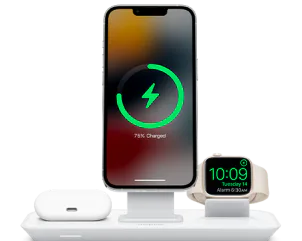
All USB-C cables look the same, but they don't behave the same. Some charge a phone, some power a laptop, and some carry 4K video. Here's how to tell them apart.
Charging speed
Look for a power rating in watts. 60 W is fine for most phones and tablets, while 100 W or 240 W cables are needed for fast-charging laptops.
Data speed
Cables are rated by data speed too: USB 2.0 (480 Mbps) is fine for charging, USB 3.2 (10-20 Gbps) is great for external drives, and Thunderbolt 4 (40 Gbps) handles displays and docks.
- Check the wattage for charging
- Check the Gbps for data and video
- Buy from trusted brands, since cheap cables can be unsafe



Users Comments
No comments yet — start the conversation.
write your comment
Replying to