
Docs / Customer area
Customer account area
What customers can do after signing in - orders, downloads, wishlist, addresses, tickets, points and more.
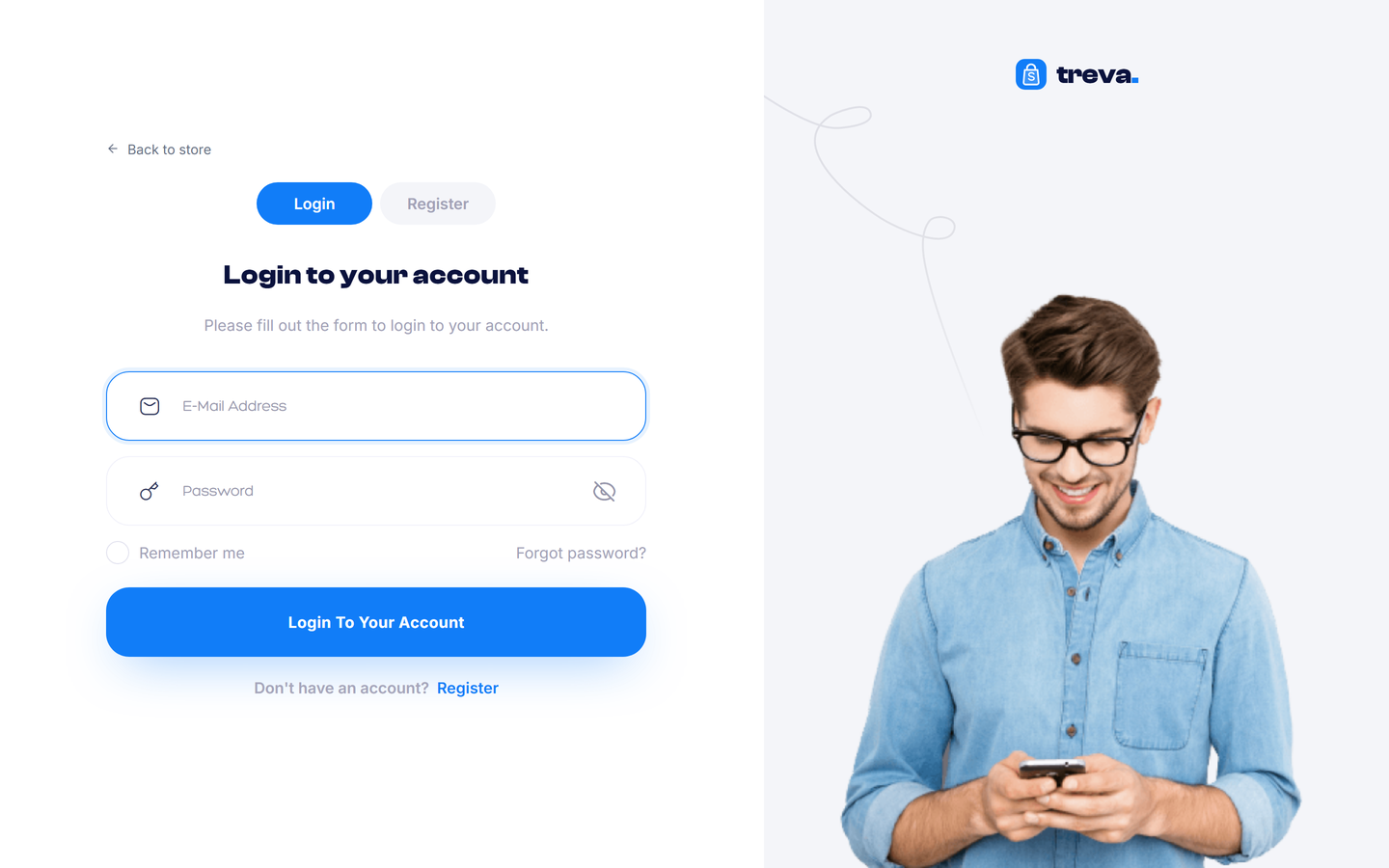
Customers register at /register and sign in at /login. The account area lives at /account.
Registration and sign-in#
- Register with name, e-mail and password; optional social login (Social login) and e-mail verification (E-mail).
- Forgot password sends a reset link by e-mail.
- Spam protection: a hidden honeypot field, rate limiting on every form and optional reCAPTCHA (Settings > Security).
- After sign-in, a guest cart and guest wishlist are merged into the customer's own.
The account dashboard#
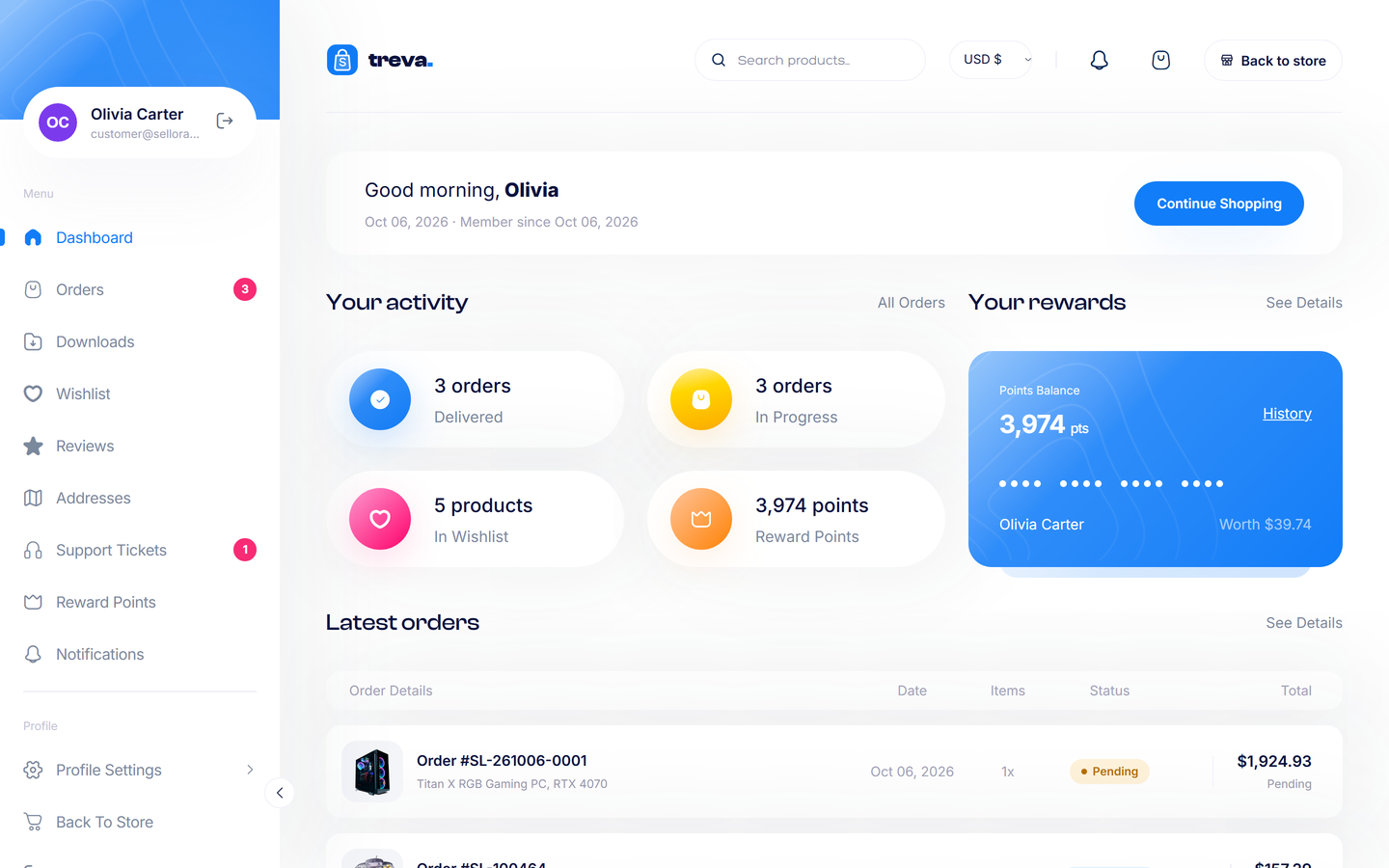
An overview with order counts, reward points and shortcuts. A side menu (a bar on phones) leads to:
| Page | What the customer can do |
|---|---|
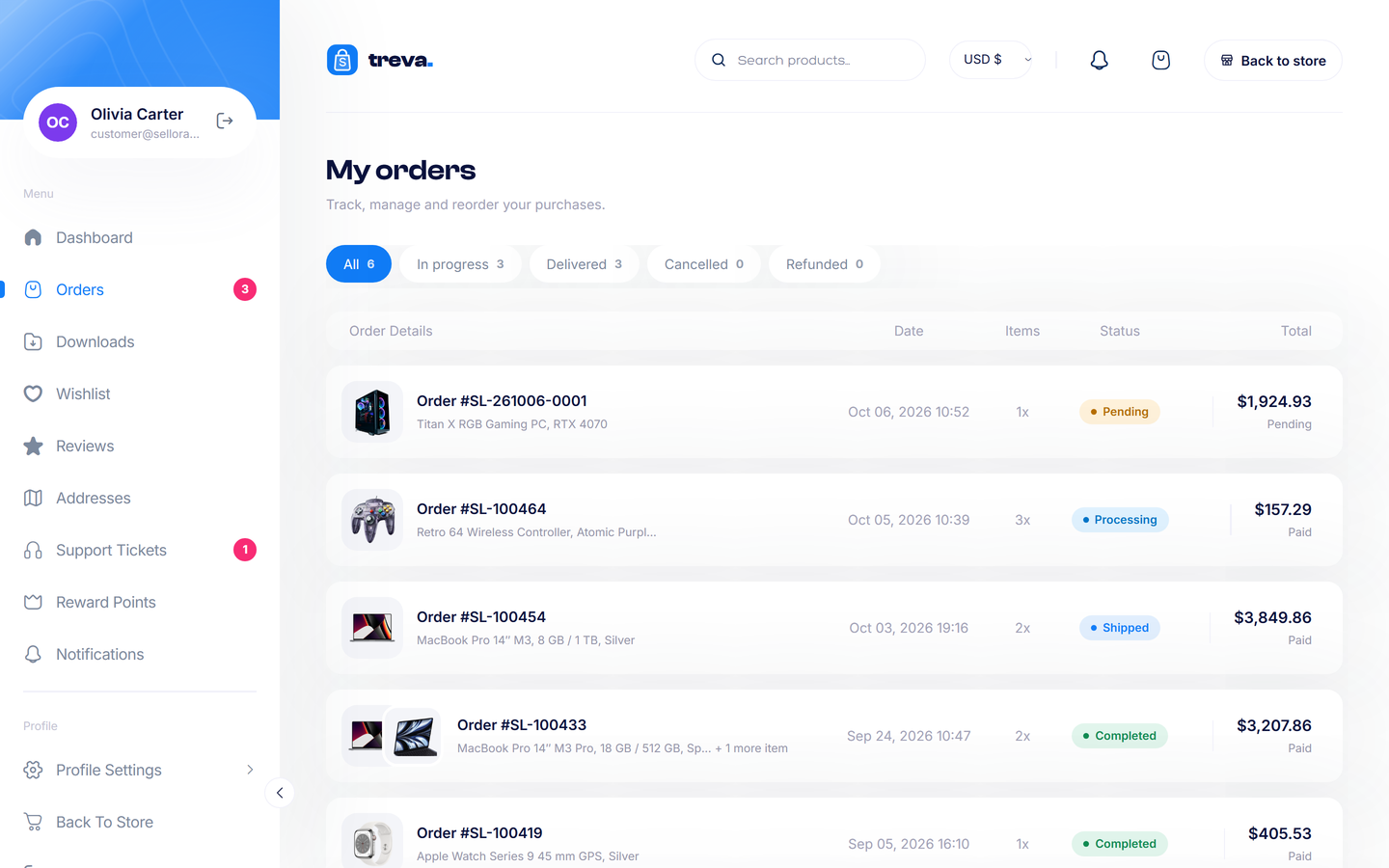
| Orders | See all orders and their status. Open one for items, totals, addresses, status history and tracking details; download the invoice (PDF); reorder (adds the items to the cart); cancel a pending order with a reason; Pay now for an unpaid order. |
| Downloads | Download digital products they bought. |
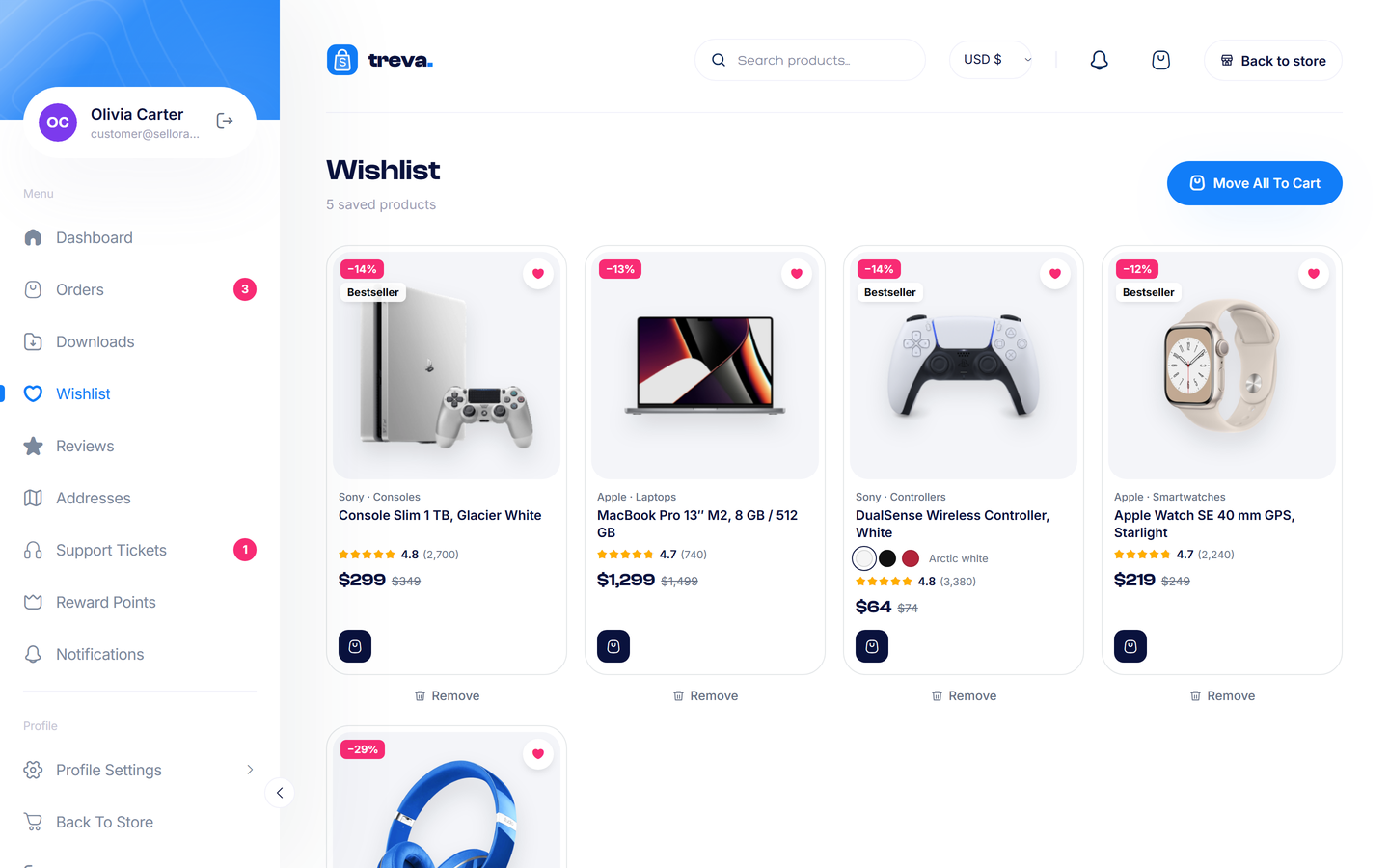
| Wishlist | Saved products, with move-to-cart. |
| Reviews | Write, edit or delete reviews of purchased products and see whether they are published. |
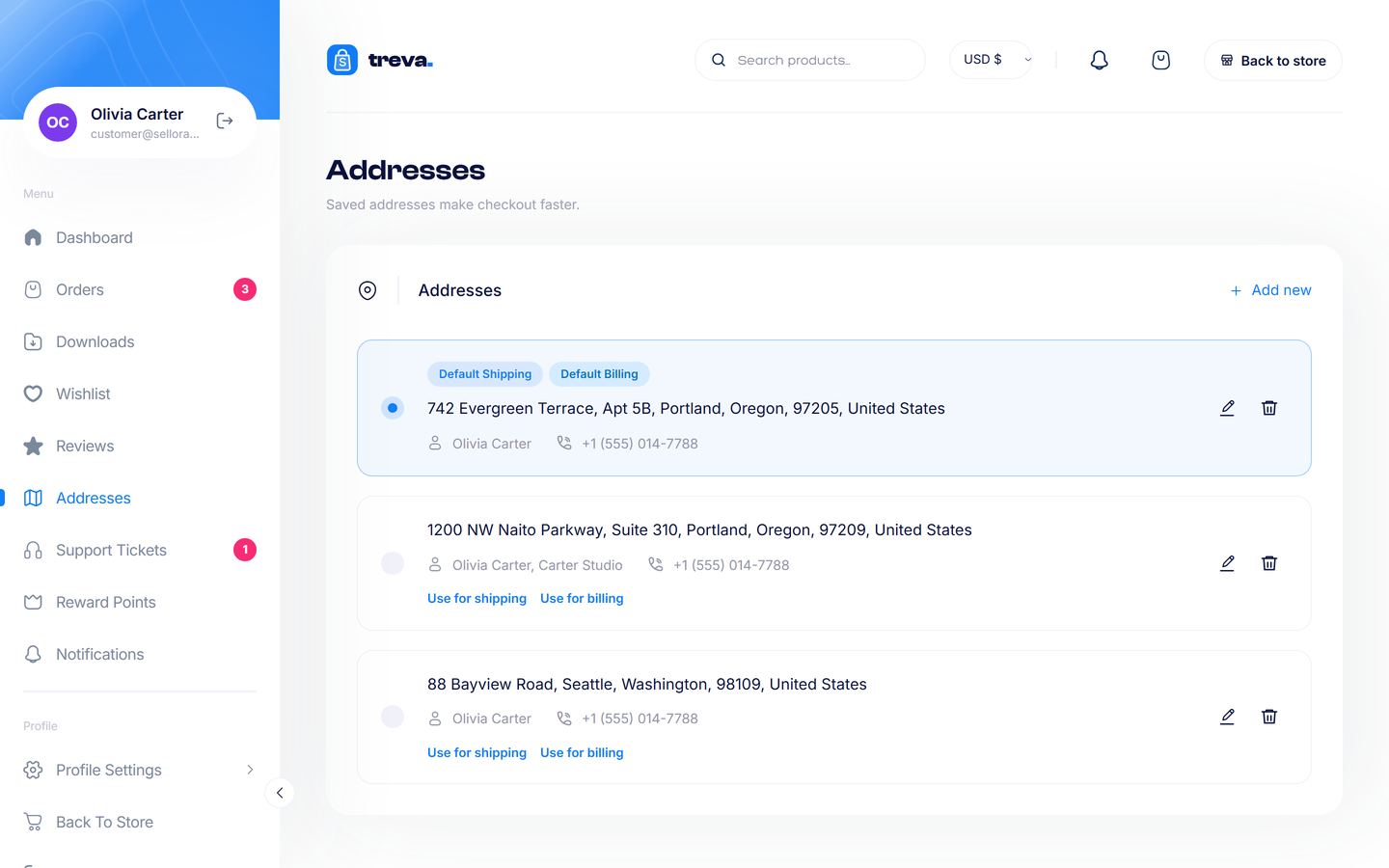
| Addresses | Add, edit, delete and choose a default address. |
| Profile | Change name, phone, avatar and password, unlink social accounts, or delete the account (personal data is anonymised; order records are kept for legal reasons). |
| Notifications | Order updates, ticket replies, back-in-stock and points messages, with mark-as-read. |
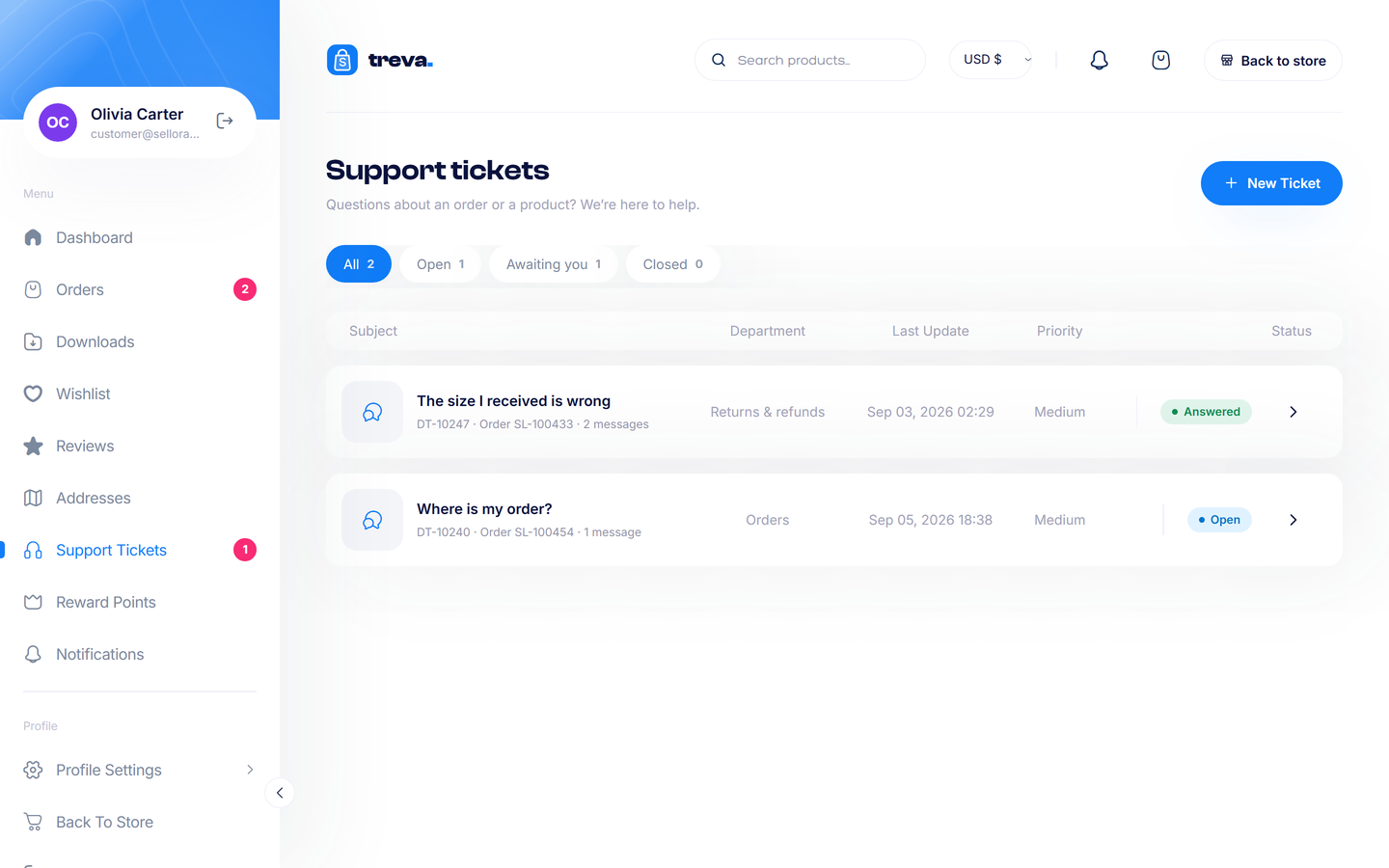
| Support tickets | Open a ticket (with attachments), follow the conversation, close or reopen it. Staff answer in Support tickets. |
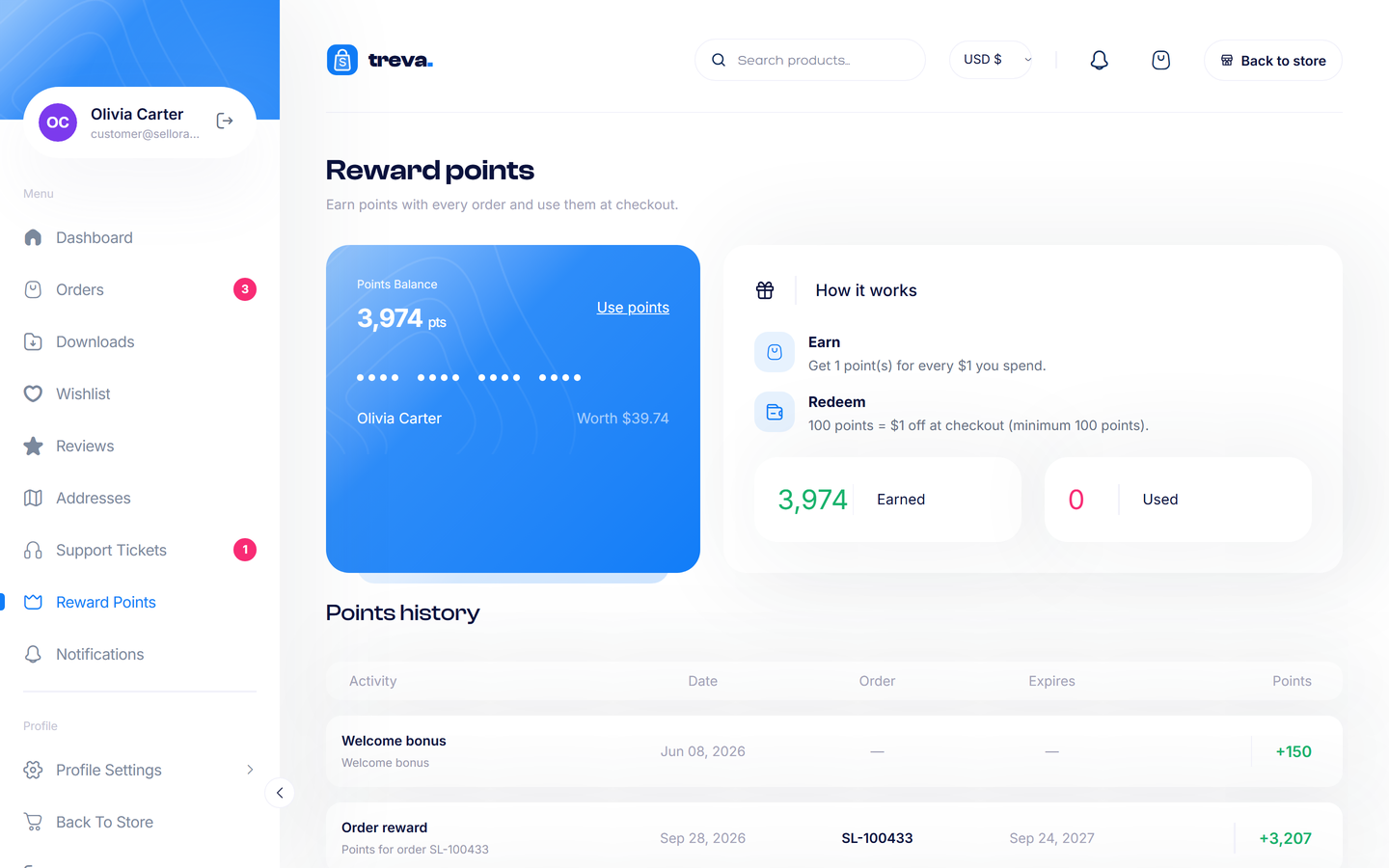
| Reward points | See points earned and spent (when points are enabled in Settings > Checkout). |
Guests#
Guests can check an order at Track order (/track-order) with the order number and e-mail. Disable guest checkout in Settings > Checkout if you require accounts.
Privacy and security#
- Customers can only see their own orders and tickets.
- Account deletion keeps order and ticket records unchanged for legal reasons, while the account itself is anonymised and signed out.
- Change-password does not end sessions on other devices in this version.