
Coupons, flash sales and campaigns
Create discount codes and time-limited sales, show announcements and send newsletter campaigns.
Coupons#
Open Marketing > Coupons.
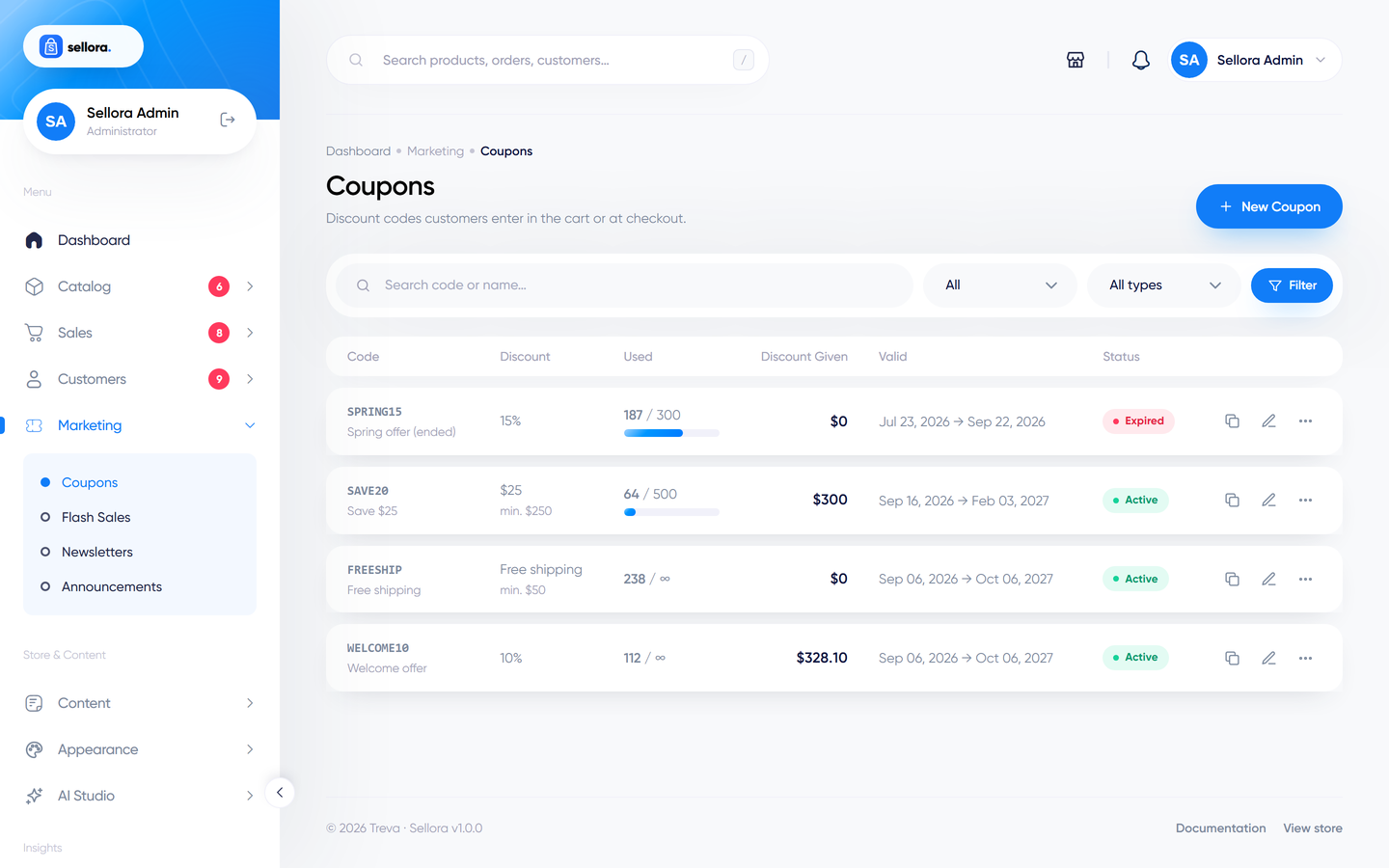
Click Add coupon:
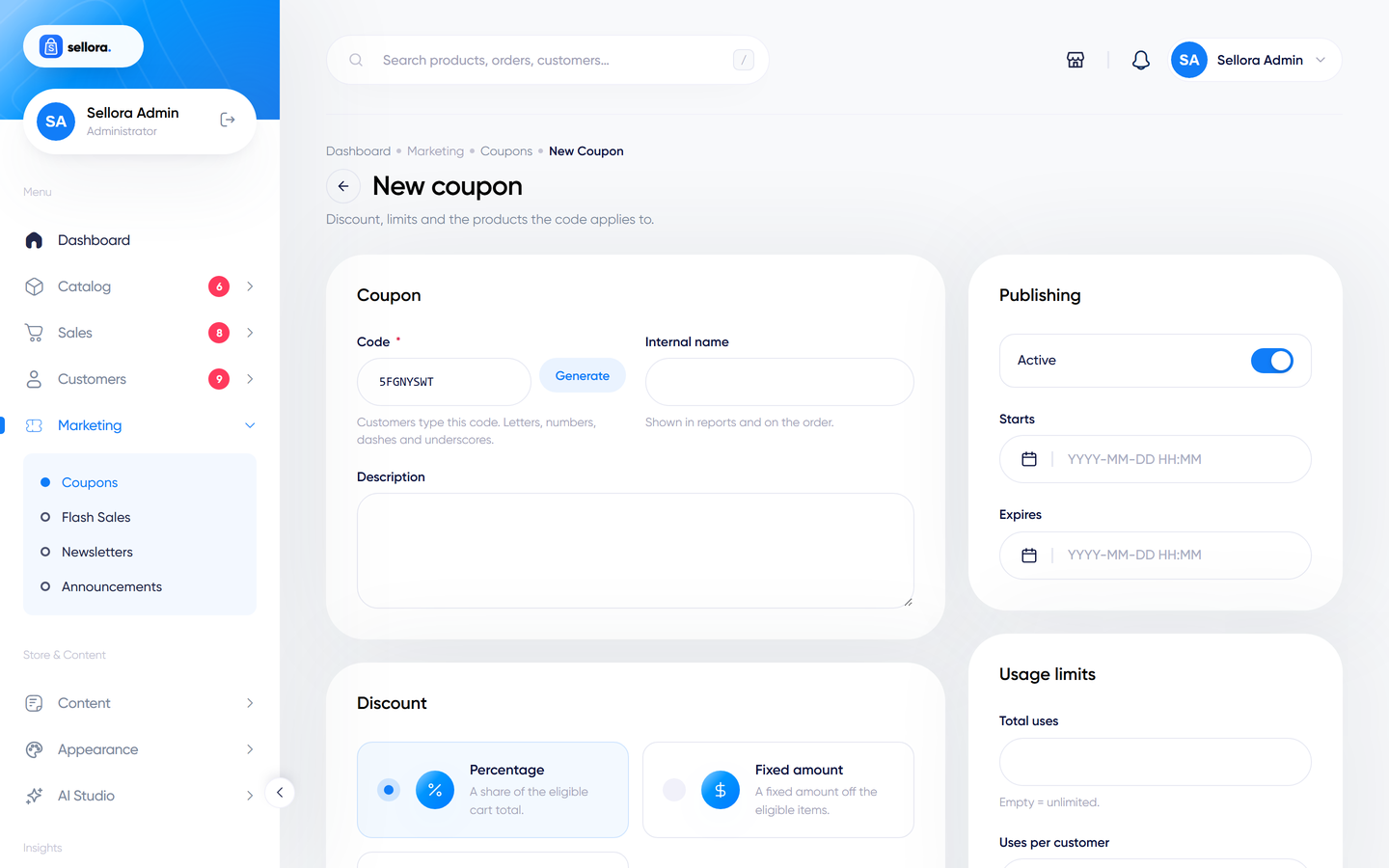
| Field | Meaning |
|---|---|
| Code | What the customer types. Use the generate button for a random code. |
| Type | Percent, Fixed amount or Free shipping. |
| Value | The percentage or amount. |
| Minimum / maximum spend | The cart value range in which the coupon works. |
| Maximum discount | Caps a percentage coupon. |
| Usage limit / per customer | Total redemptions and per-customer redemptions. |
| First order only | Only for customers with no previous orders. |
| Start and expiry | The valid period. |
| Products / categories | Restrict the coupon to, or exclude, certain items. |
| Also free shipping | Combine a discount with free shipping. |
The coupon list shows how often each coupon was used. Use Duplicate to clone one. The Coupons report shows redemptions and the discount given - see Reports.
Bundle coupons#
Some designs sell bundles: shop-the-look, riding and cycling kits, a grocery box and recipe kits, a beauty routine and the editorial capsule. A bundle advertises a saving only when it names a valid percent coupon, and the percentage shown is that coupon's value. When the shopper adds the bundle (with at least the minimum number of items) the coupon is applied to the cart. The demo content creates these coupons:
| Code | Used by |
|---|---|
LOOK10 |
Shop the look (Fashion) |
KIT15 |
Cycling kit (Bicycle) |
RIDERKIT15 |
Rider kit (Motor) |
BOX10 |
Pick-your-own box, any 6 for 10% off (Grocery) |
RECIPE10 |
Recipe kits (Grocery) |
ROUTINE15 |
Skincare routine (Beauty) |
CAPSULE15 |
Capsule wardrobe (Editorial) |
Note
A cart holds one coupon: a bundle coupon replaces a code the shopper entered earlier (for example WELCOME10). These are ordinary coupons that discount the whole cart, so a shopper can also type them manually. There is no fixed bundle price: a box such as "Any 6 for $24" is not possible, so the demo uses a percentage. Customer groups still do not give automatic discounts.
Customers enter the code in the cart or at checkout. Abandoned-cart reminders can include a coupon code (Settings > Checkout).
Flash sales#
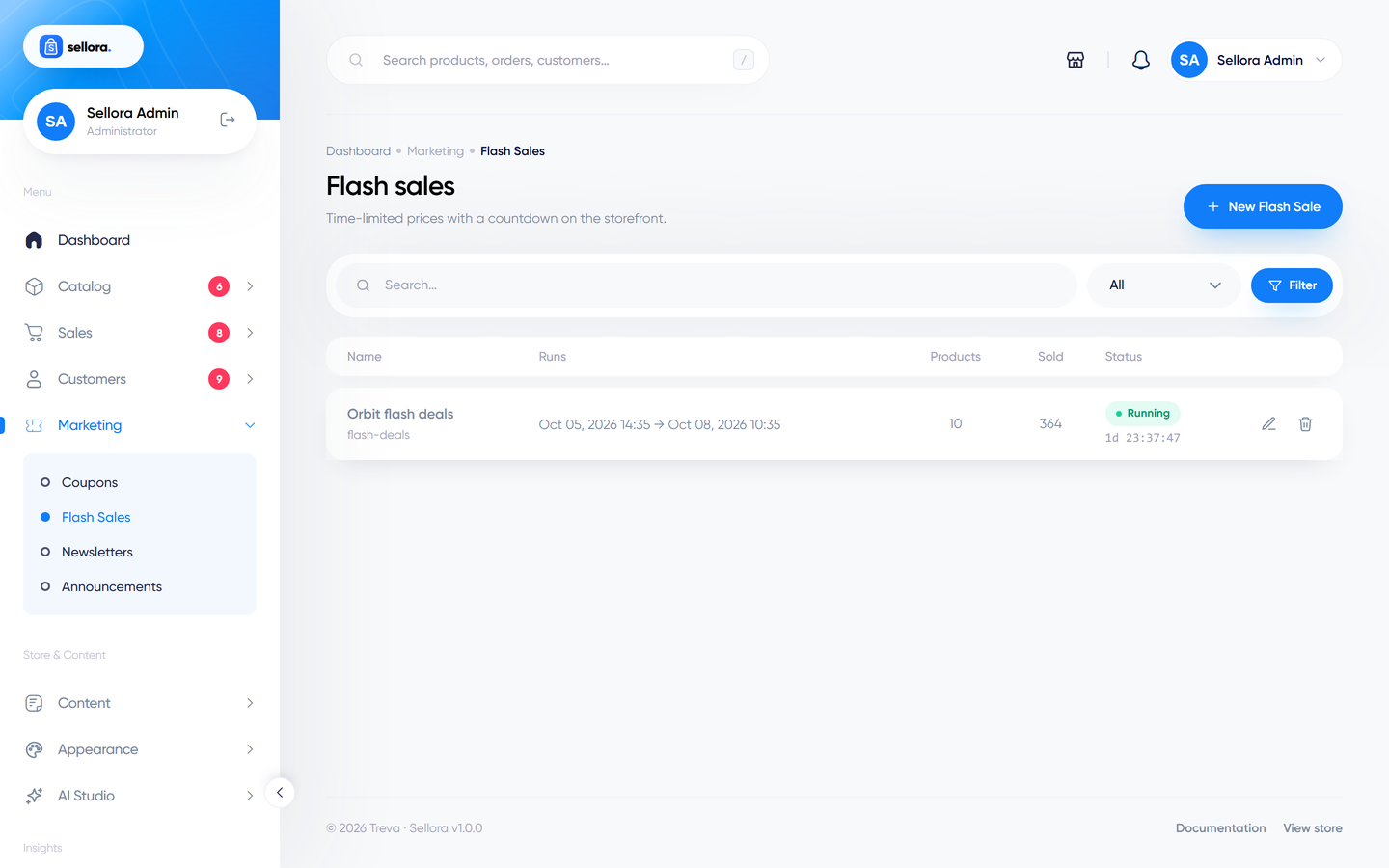
A flash sale discounts chosen products for a limited time and shows a countdown on the storefront (when your design includes a flash-deals section).
- Marketing > Flash sales > Add.
- Name it and set the start and end date/time.
- Add products and enter the sale price for each (it must be lower than the regular price).
- Save and activate.
While the sale runs, shoppers see the sale price; afterwards prices return to normal automatically.
Announcement bar#
Marketing > Announcements creates the slim message bar shown at the top of the storefront (free shipping notice, holiday hours). A live preview shows how it will look. Set dates so it appears and disappears by itself.
Newsletter campaigns#
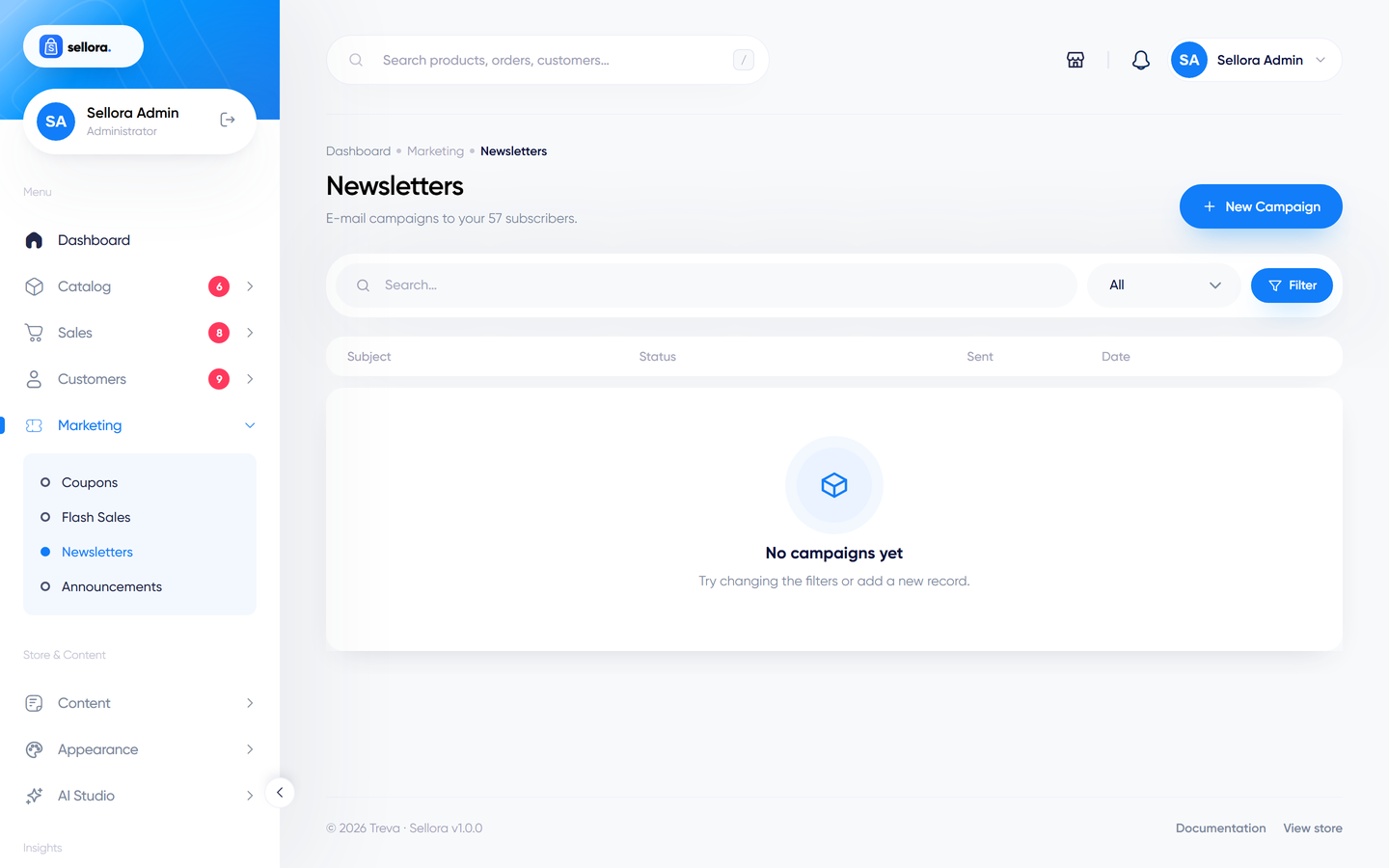
Marketing > Campaigns sends an e-mail to your subscribers.
- Add campaign, write the subject and the content in the editor.
- Use Preview to see the rendered e-mail and Send test to deliver it to yourself first.
- Send. Delivery runs in batches of 25 recipients with a progress indicator, so keep the page open until it finishes.
Campaigns need working e-mail settings. Make sure you only mail people who agreed to receive newsletters, and comply with the laws of your country.
Write with AI
The AI Studio has an e-mail writer tool that drafts a campaign, which you can send to a draft campaign for editing.