
Docs / Admin panel
Store analytics reports
Eight built-in reports with date ranges and CSV export.
Open Reports in the sidebar. Every report has a date range (presets such as last 30 days, or a custom from / to), a grouping (day, week, month where it applies) and an Export CSV button.
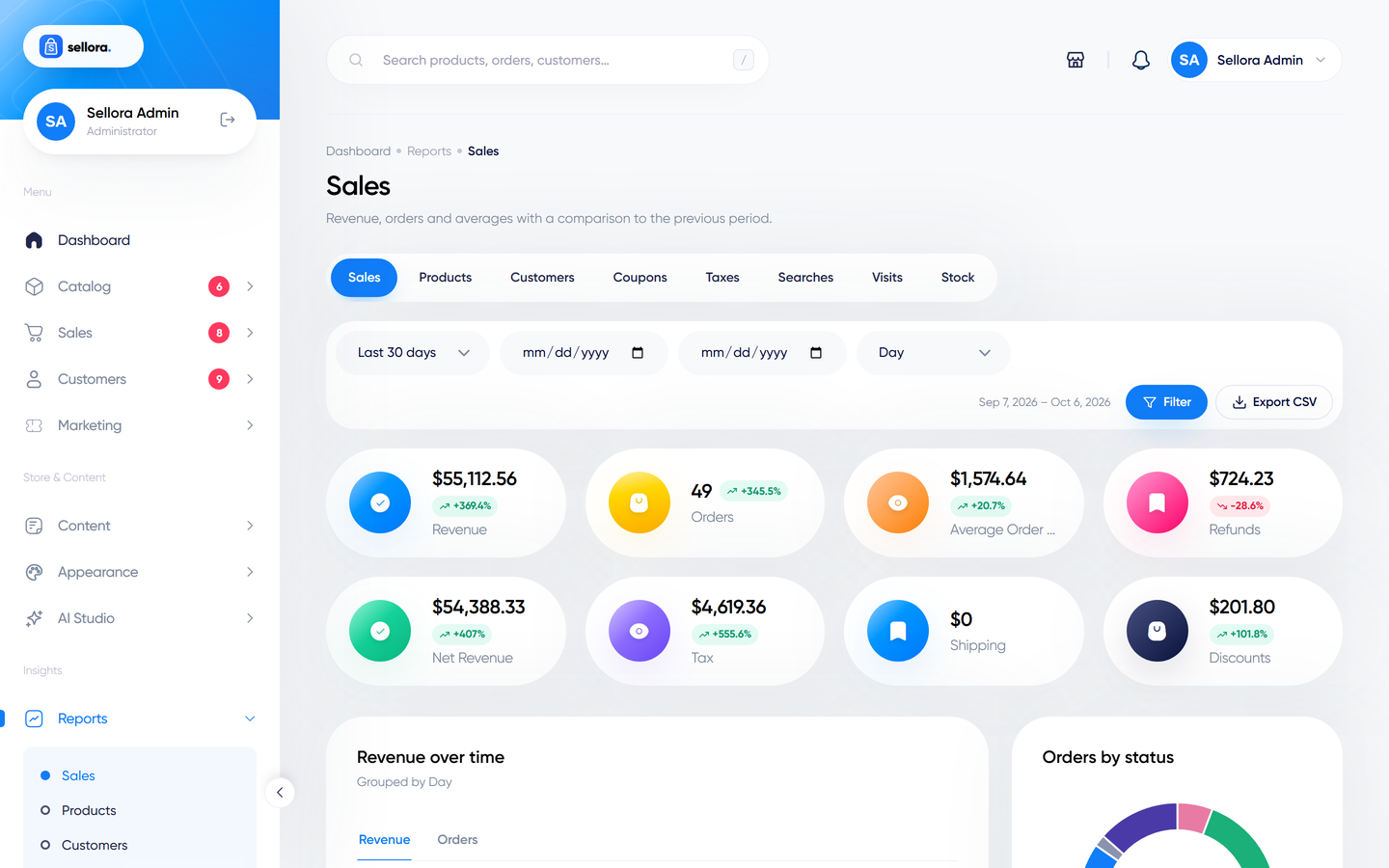
| Report | Shows |
|---|---|
| Sales | Revenue, order count, average order value, sales over time, and a breakdown (for example by payment method or status). |
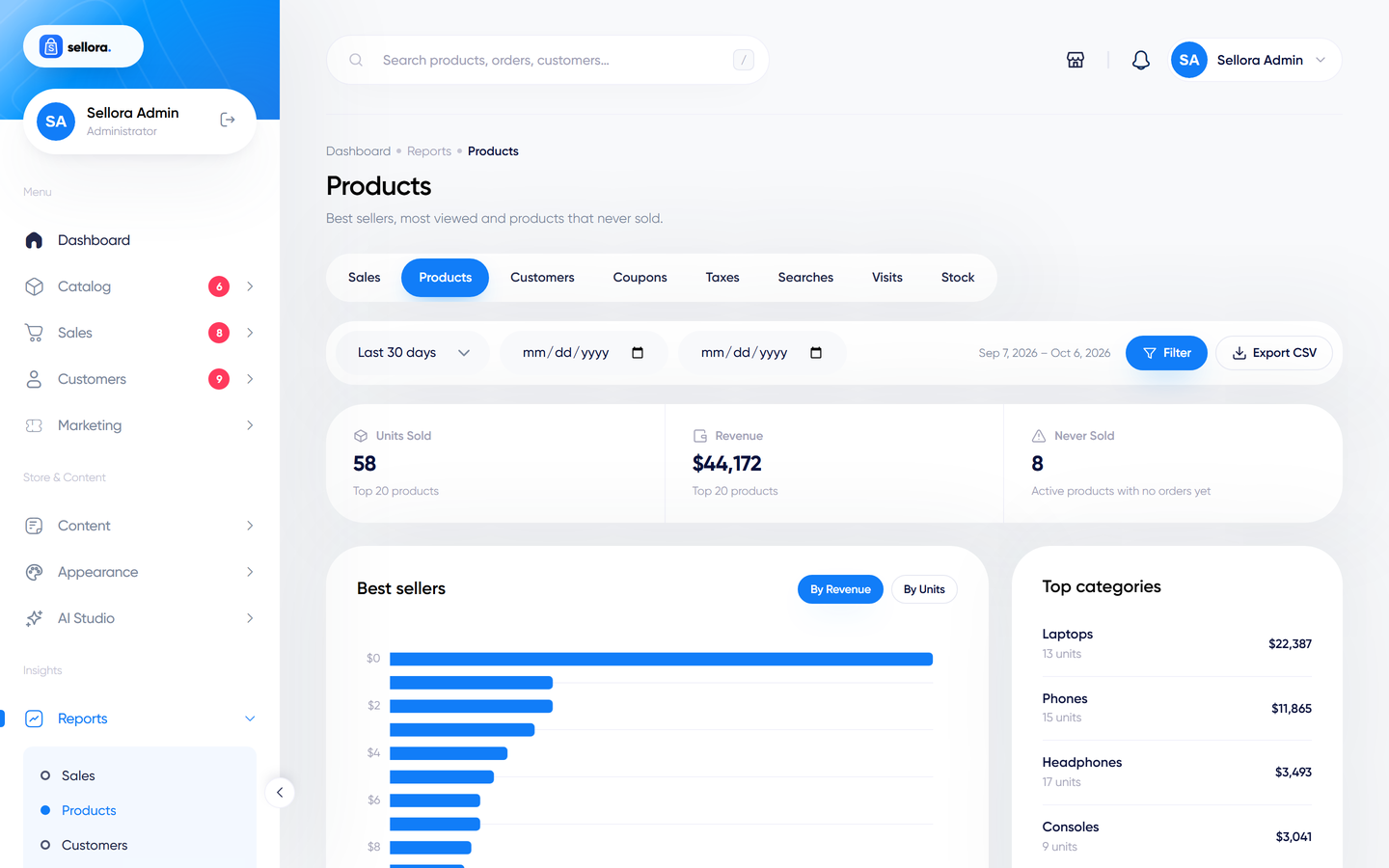
| Products | Top-selling products, most viewed products, products that never sold, and top categories. |
| Customers | New customers over time, top customers by spend, and sales by country. |
| Coupons | How often each coupon was used and the discount given. |
| Taxes | Tax collected, by rate. |
| Searches | What visitors typed in the shop search, including searches with no results - a goldmine for catalogue ideas. |
| Visits | Store traffic recorded by Sellora. |
| Stock | Stock levels and low or out-of-stock products. |
How the numbers are counted#
- Revenue counts orders that are paid or partially refunded. Cancelled and failed orders are excluded from order counts.
- All amounts are reported in your base currency, even if customers paid in another currency.
- Reports are cached for about five minutes, so very recent orders may take a moment to appear.
- The Taxes report reads the tax snapshot stored on each order, so changing a tax rate later does not rewrite past reports.
- Visits are recorded by Sellora itself and are a simple count. For detailed analytics add Google Analytics - see Analytics, cookies and newsletter.