
System tools
System information, cache, logs, updates and database migrations.
Open System in the sidebar.
Info#
System > Info shows your PHP version, loaded extensions, database version, server software, folder permissions, the scheduled-task (cron) command and when it last ran, and the installed Sellora version.
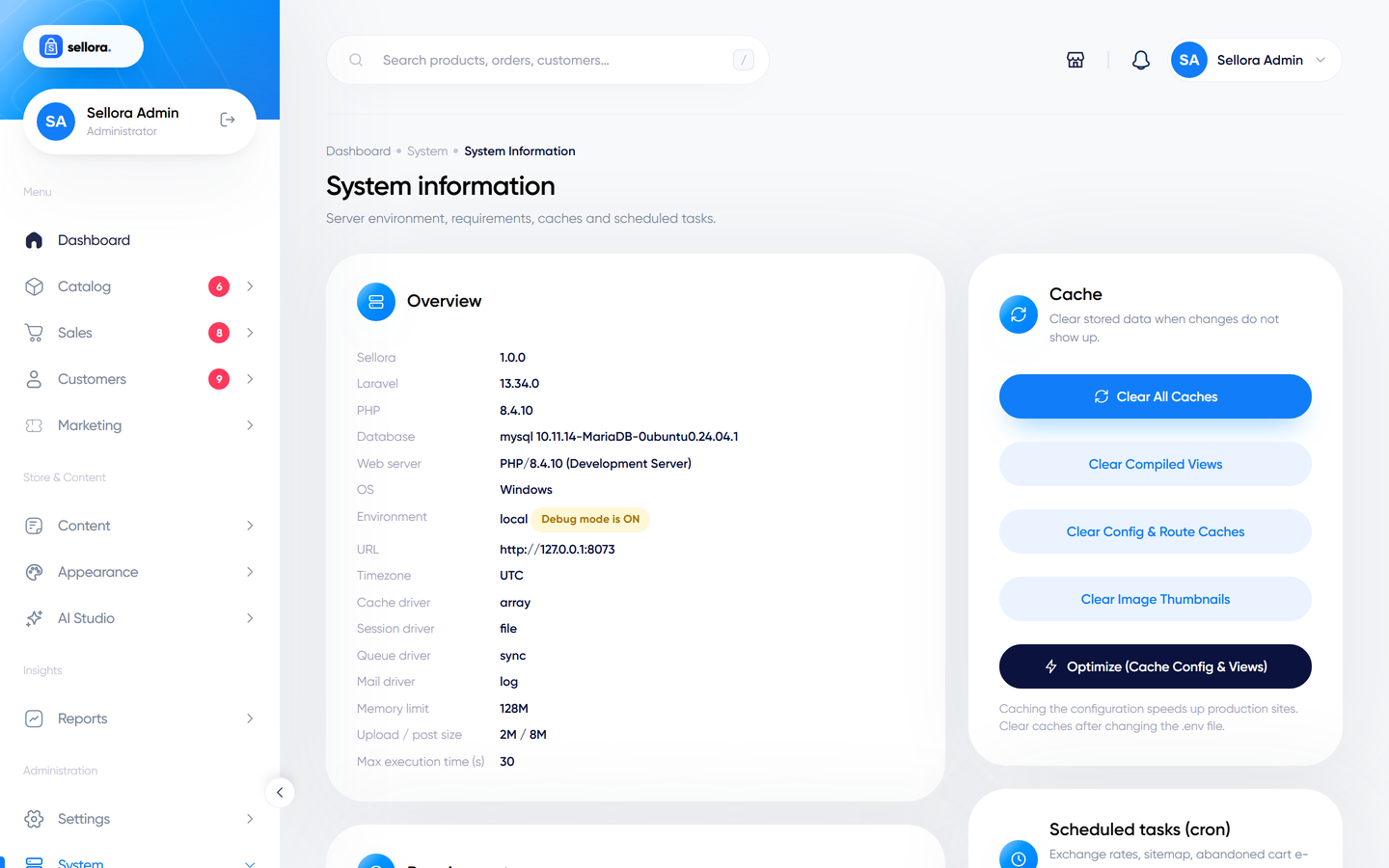
Buttons here clear caches (application, views and configuration). Clear caches after you edit .env by hand, after an update, or when a change does not seem to take effect. Sellora also has a command-line equivalent: php artisan sellora:clear, with --thumbs to rebuild image thumbnails.
Logs#
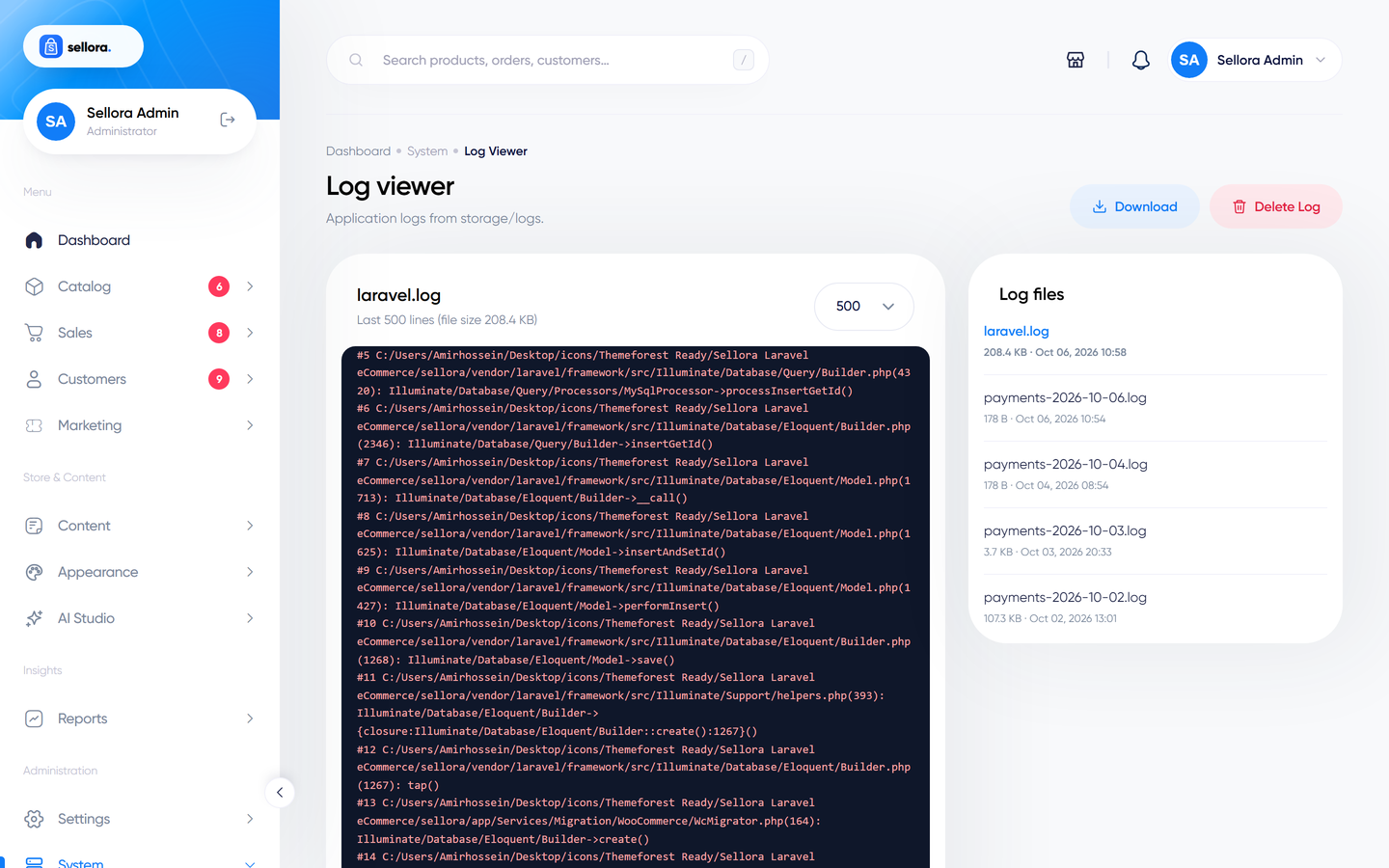
System > Logs lists the files in storage/logs. You can read the latest lines, download a file or delete it. Error messages here are what support will ask for. There is also a dedicated payments log (storage/logs/payments-*.log, kept for 30 days) with secrets removed, which helps to trace gateway problems.
Updates#
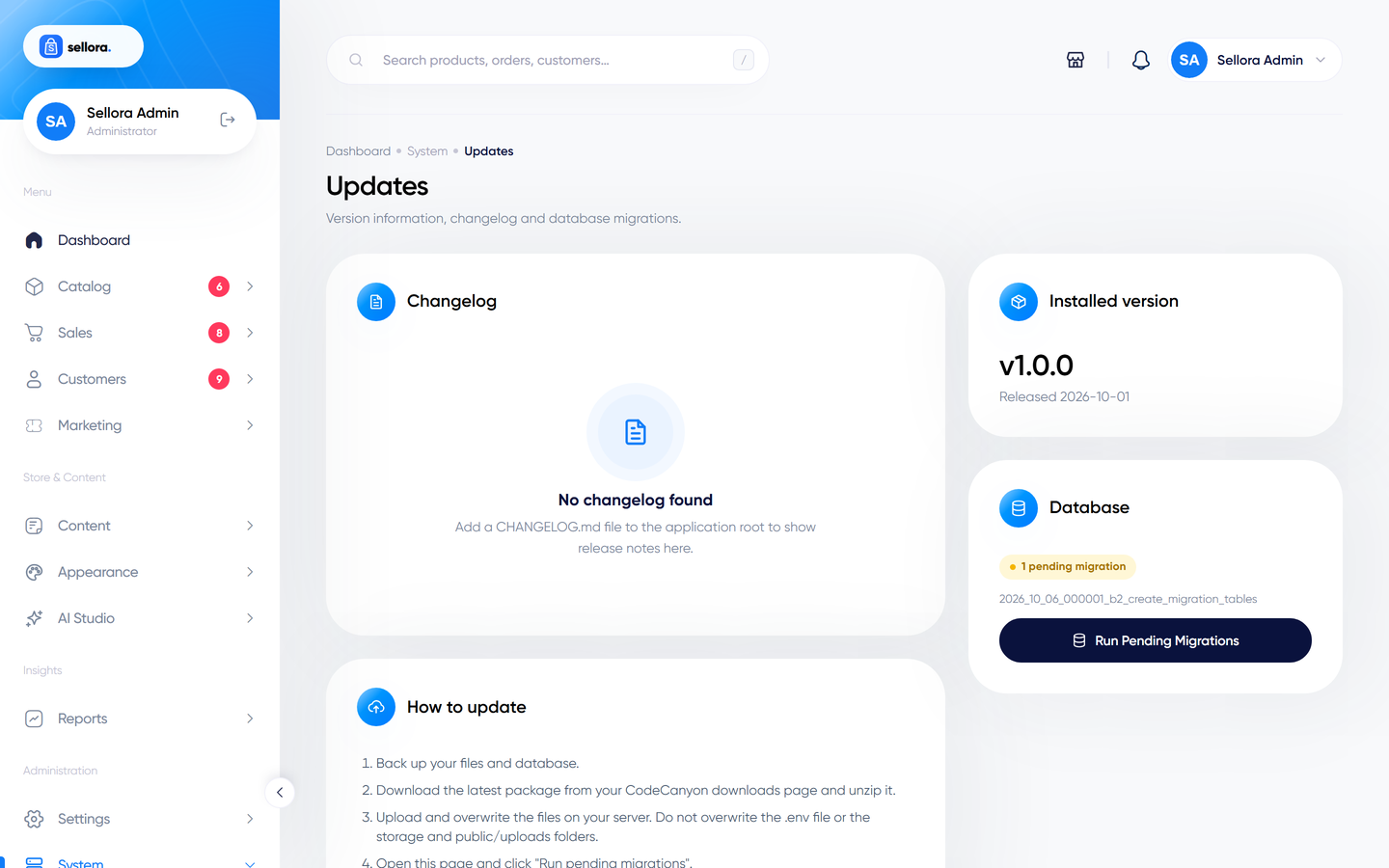
System > Updates shows the version and release date, the changelog, the update checklist and any pending database migrations with a Run pending migrations button. See Updating Sellora.
Translations and other tools#
- System > Translations is the translation editor - see Currencies, languages and translations.
- System > Users, Roles and Activity - see Roles, permissions and staff.
- System > UI Kit is a reference page of the admin interface components, useful for developers customising the admin panel.