
Storefront tour
What your customers see - home, shop, product page, cart, checkout, tracking, blog and contact.
This chapter shows the storefront with the default design, Tech Store (Treva), and its Electronics demo catalogue. Other presets arrange things differently (see Demo presets) but the features are the same.
Home page#
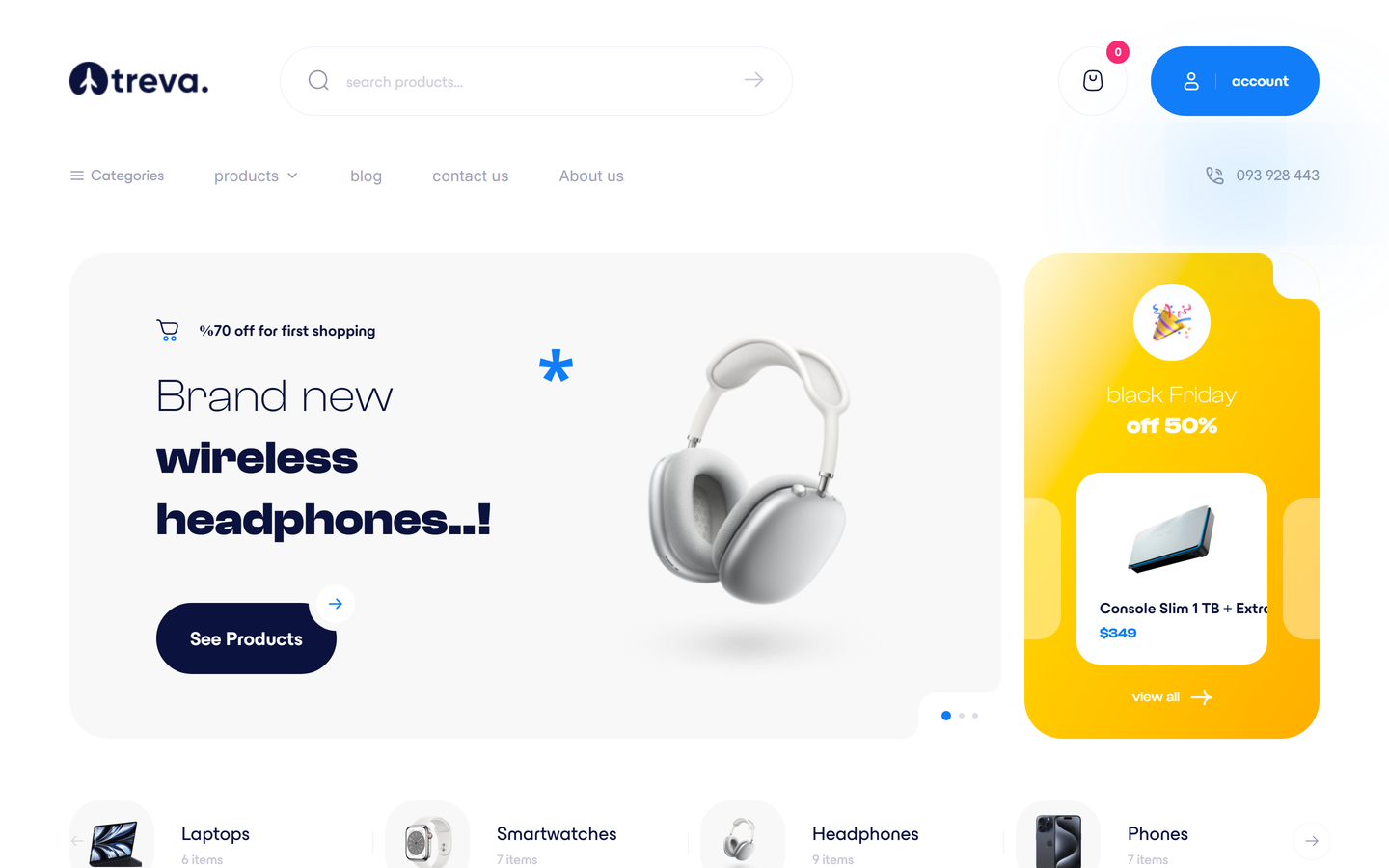
The home page is made of sections that you add, remove and reorder in Appearance > Home builder - see Appearance. Typical sections are a hero slider, a services strip, category tiles, product carousels (new, best sellers, on sale), flash deals, promo banners, brands, blog teasers, testimonials, FAQ and a newsletter box. The Tech Store home has ten: landing slider with side deals, category carousel, new products, trend brands, hot offers with a countdown, customer comments, suggestions with brand ratings, tabbed product carousels, latest posts and a newsletter band.
The header has the logo, search with live suggestions (products, categories and brands appear as you type), account and cart; depending on the design it also shows language and currency switchers, wishlist and compare (the Tech Store header keeps to search, cart, account, a category menu and a phone number). On phones it becomes a compact bar with a slide-in menu, and some presets add a bottom navigation bar.
Shop and category pages#
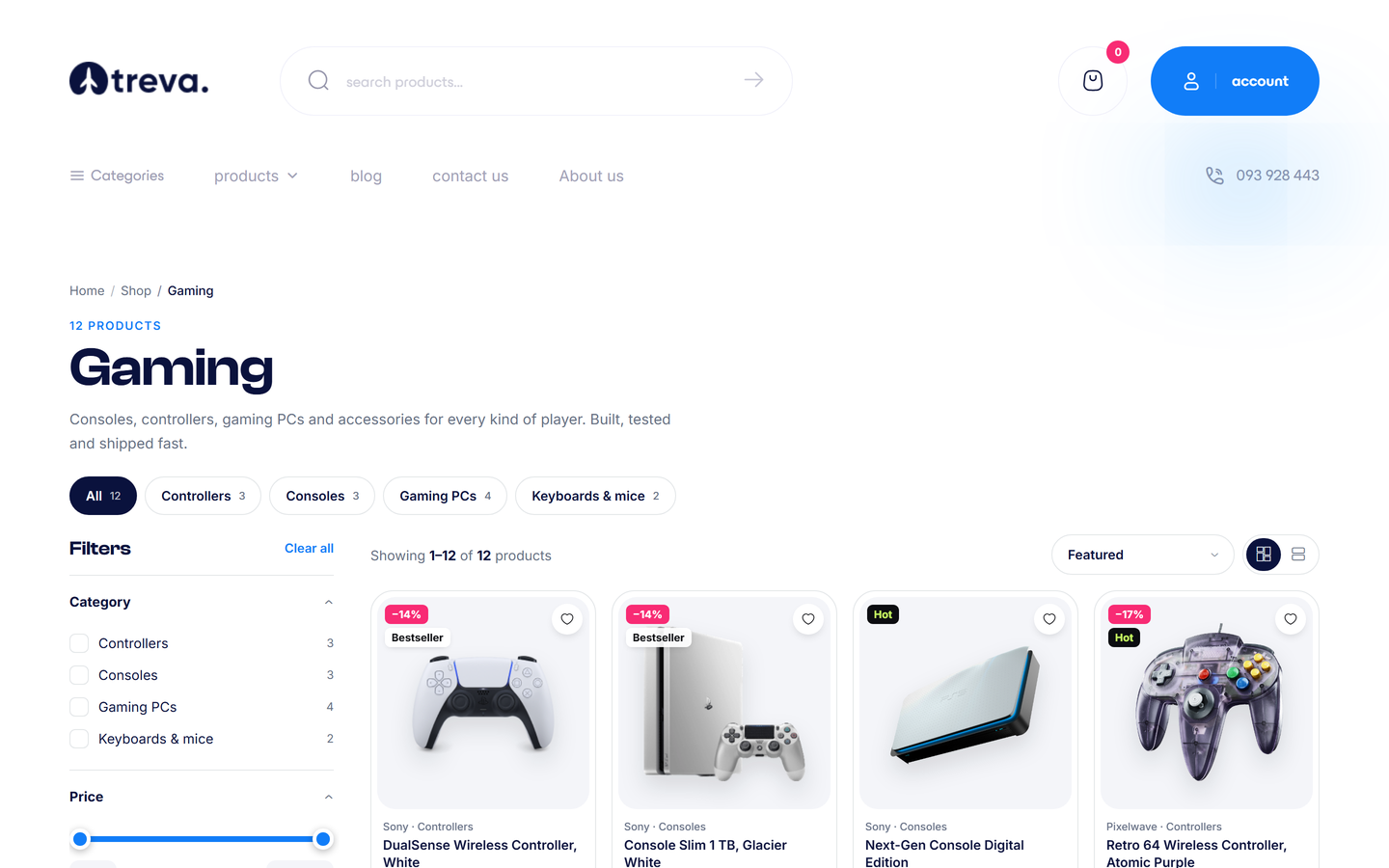
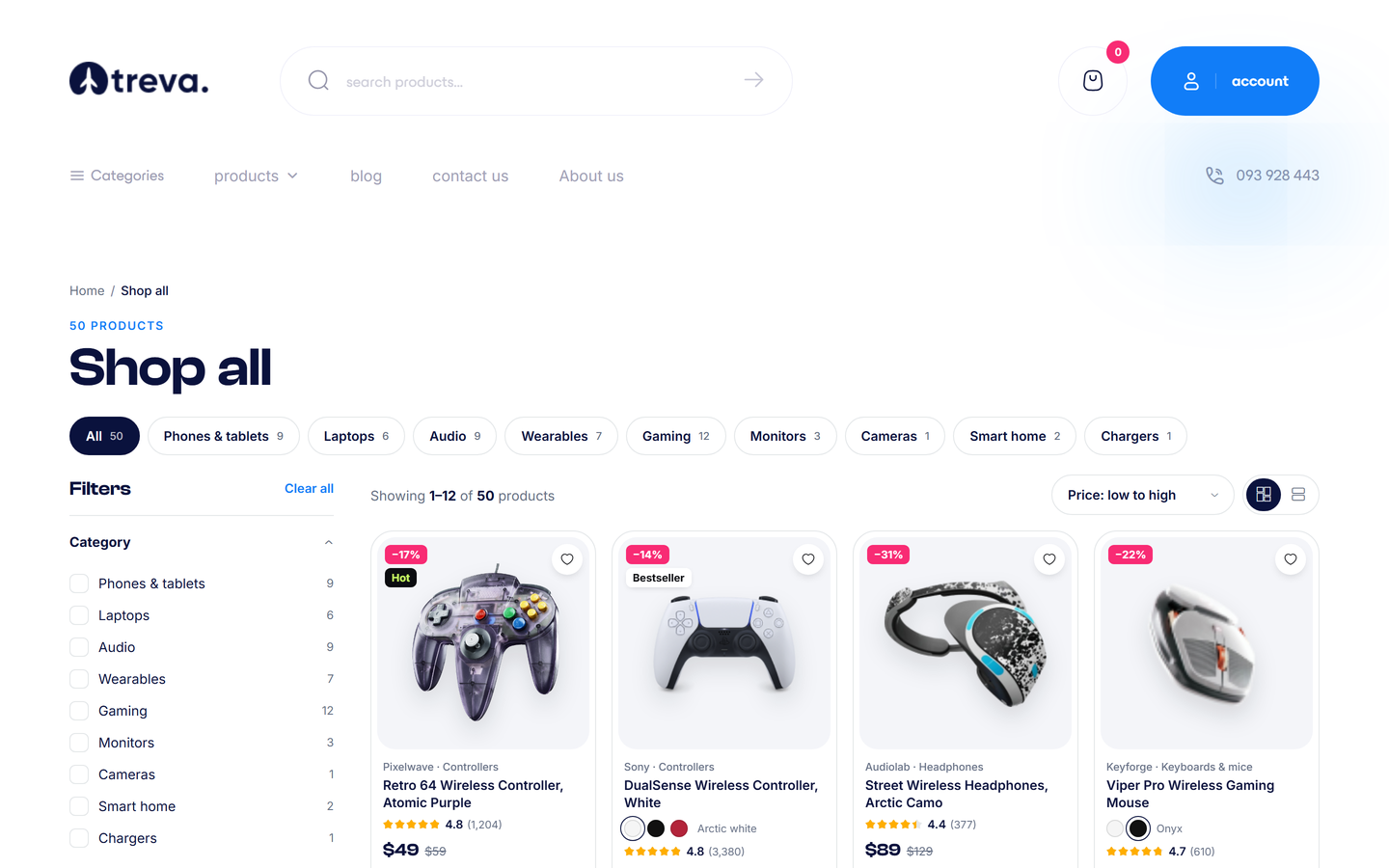
- Filters: sub-category, brand, attributes (size, colour ...), price range (in the visitor's current currency), rating (4, 3, 2 stars and up), on sale, new, in stock.
- Sort by featured, newest, price, rating, best selling or name; switch between grid and list view.
- The result list refreshes without a full page reload, and the filters are shareable in the address bar.
- Categories, brands (
/brands) and tags have their own pages. The search page is/search?q=....
Product page#
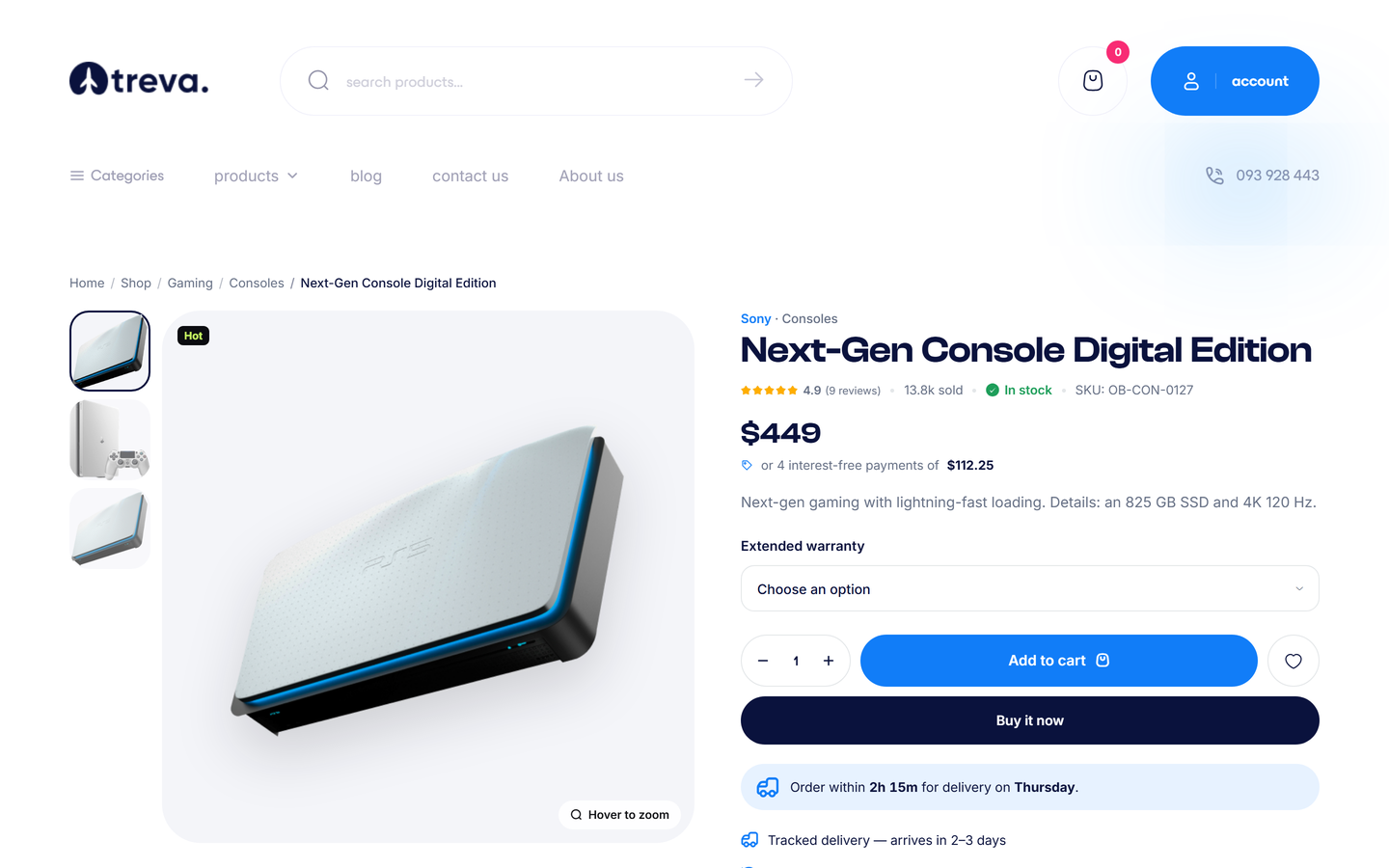
- Gallery with zoom, and image changes when a variation is selected.
- Variation pickers (size, colour ...), custom options, quantity, Add to cart, wishlist and compare buttons.
- Price (with sale price and savings), stock status and low-stock message, SKU and brand when enabled, optional instalments and delivery-cut-off lines.
- Tabs for description, specifications, shipping and returns, reviews (with photos and a "helpful" vote), and questions and answers.
- "Notify me" form for sold-out items, related products, "frequently bought together", and recently viewed products.
- Optional AI review summary and the shopping assistant - see AI Studio.
Quick view opens a product in a pop-up from listing cards, so shoppers can add to cart without leaving the page.
Cart and checkout#
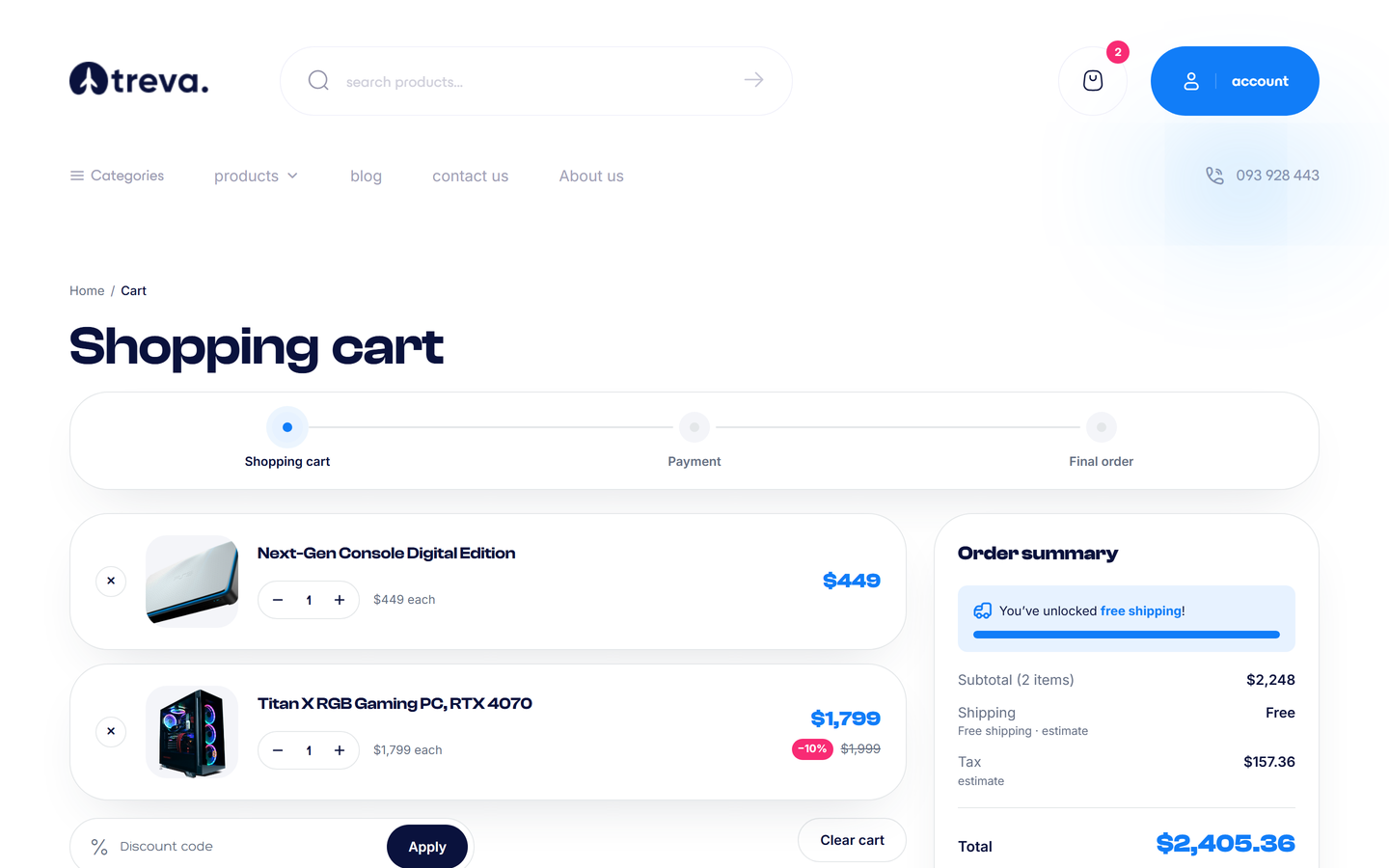
- Adding a product opens the cart drawer; the full cart page shows quantities, coupon box, a free-shipping progress bar and the order summary.
- Checkout is a single page: contact details, shipping address (saved addresses for logged-in customers), shipping method, payment method, coupon, reward points and an order note. Guest checkout can be switched off in Settings > Checkout.
- Prices, taxes and shipping update as the customer chooses; the total is shown in the customer's selected currency.
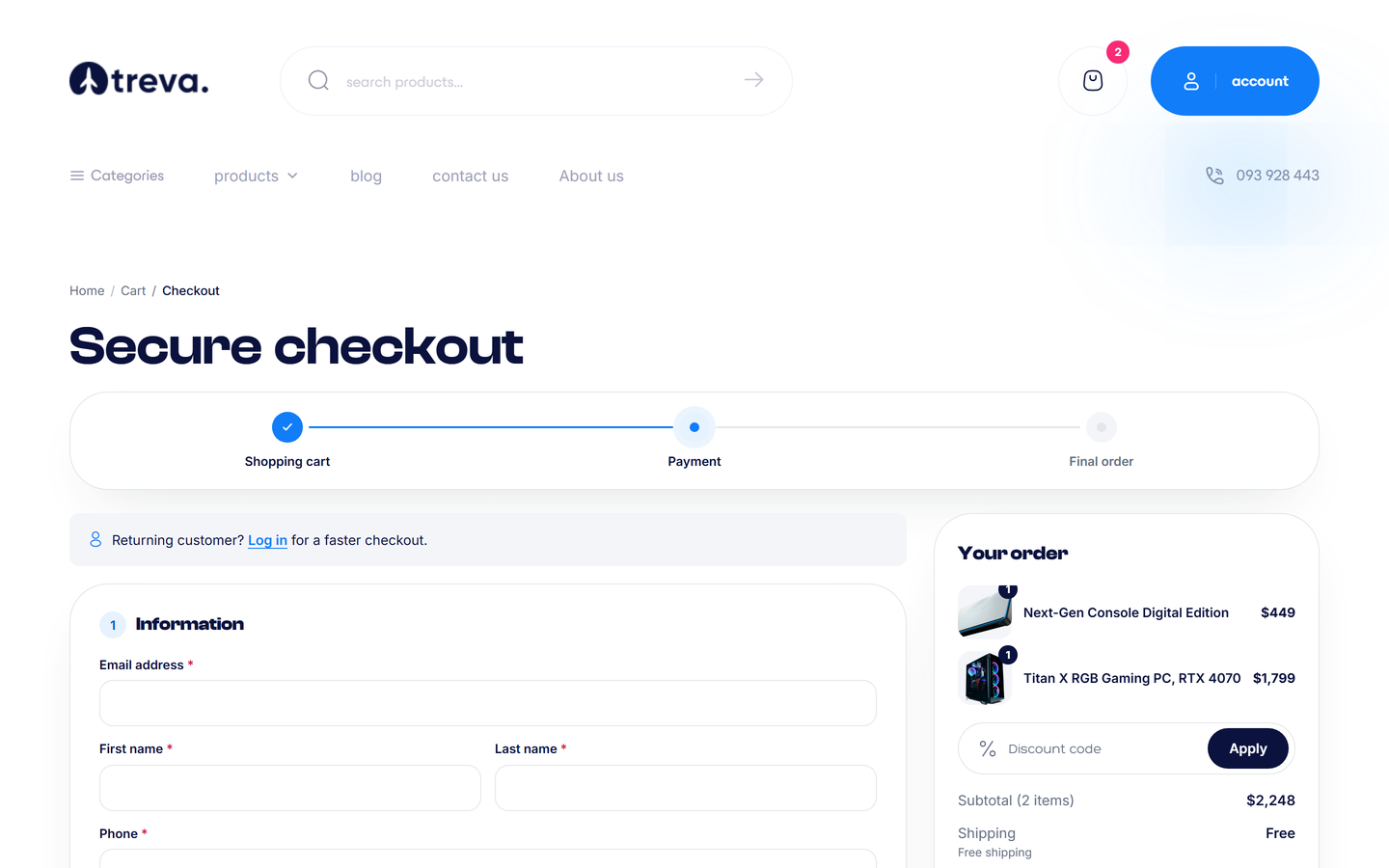
After paying, the customer sees an order confirmation and receives an e-mail. Cash on delivery and offline methods show their instructions there.
Order tracking#
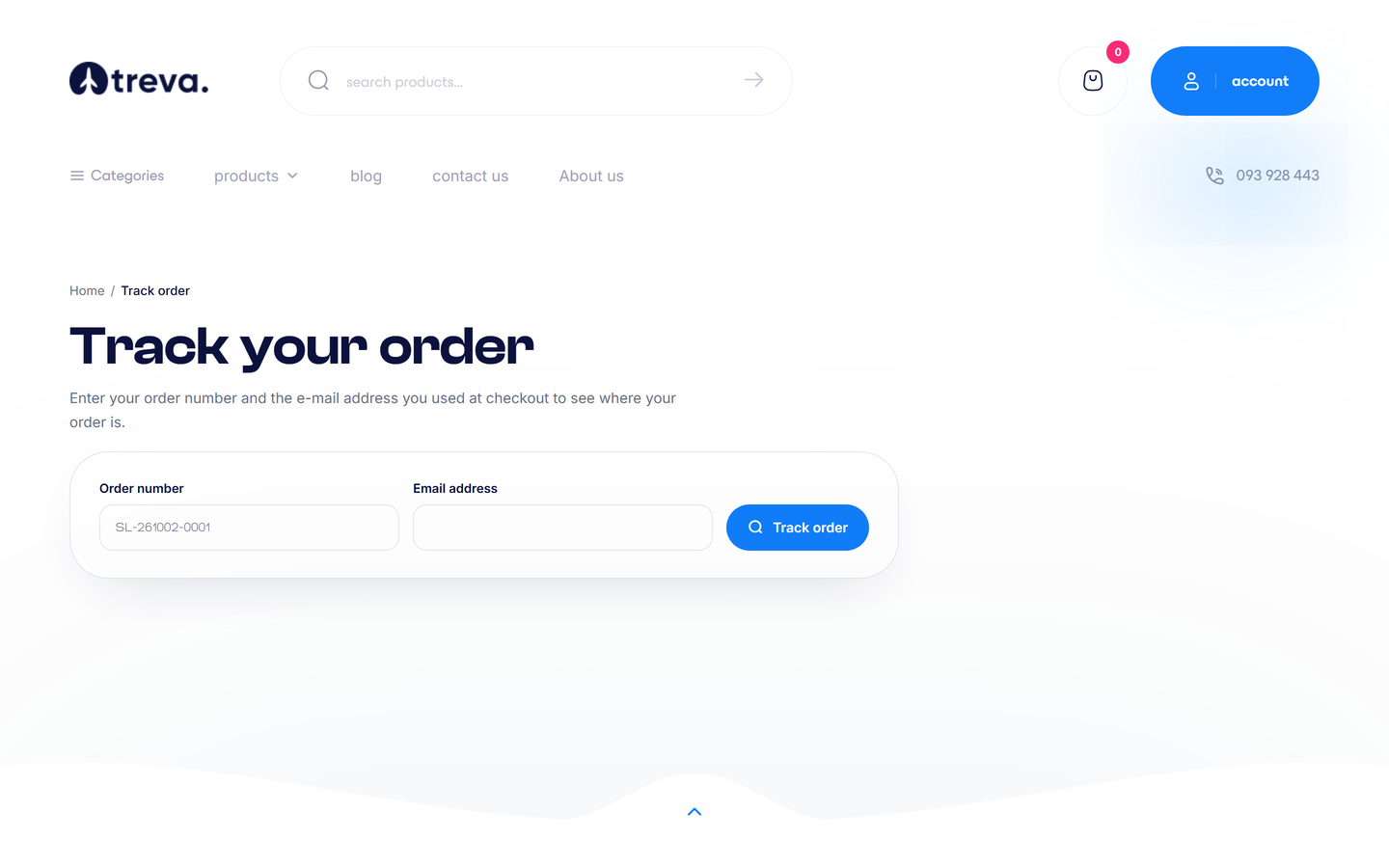
Track order (/track-order) lets guests check an order with the order number and the e-mail used at checkout. Logged-in customers use their account area.
Wishlist and compare#
Shoppers save products to the wishlist (guests too, unless you disable that) and compare up to four products side by side in a table of specifications. Both can be switched off in Settings > Catalog.
Blog, contact and information pages#
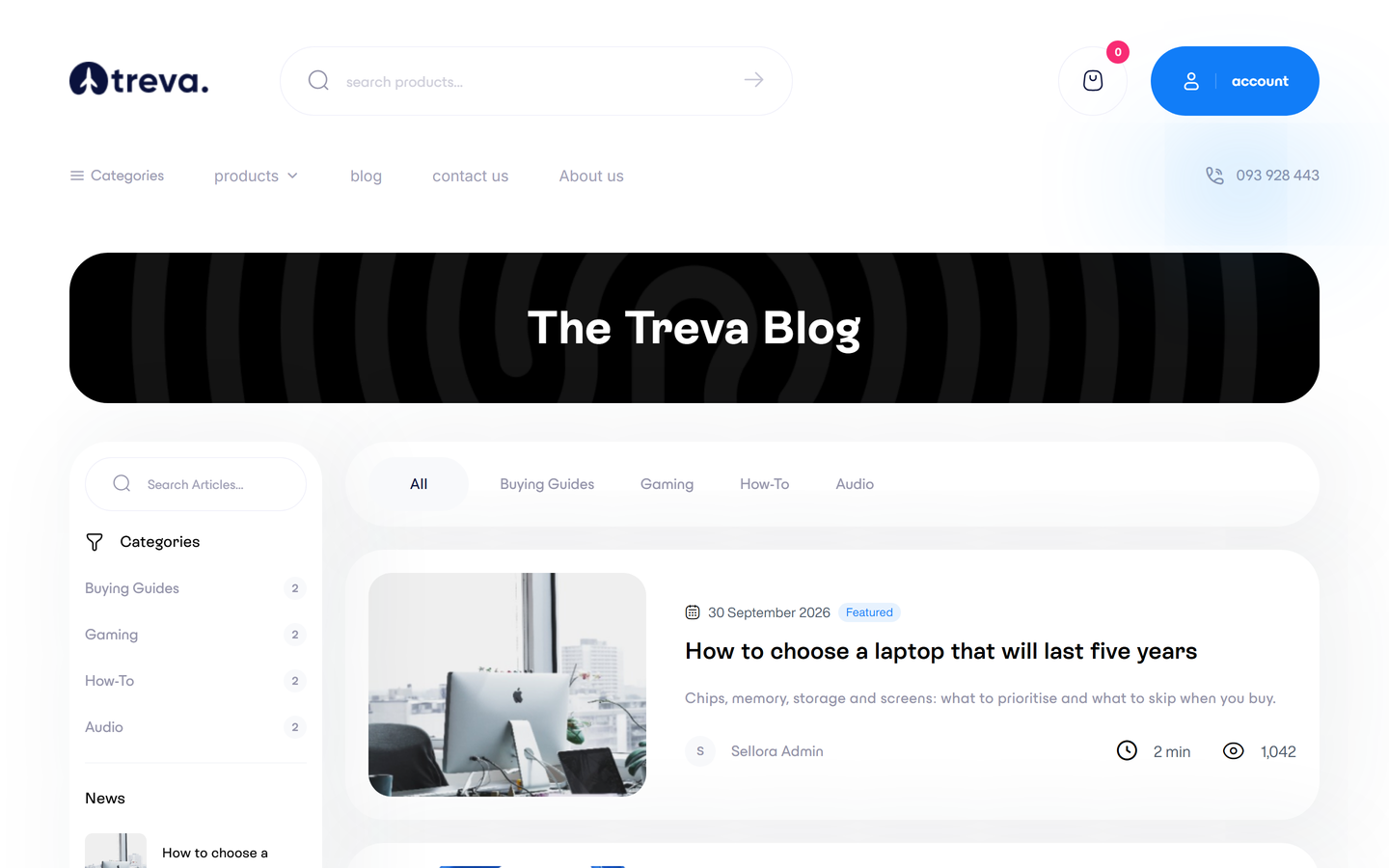
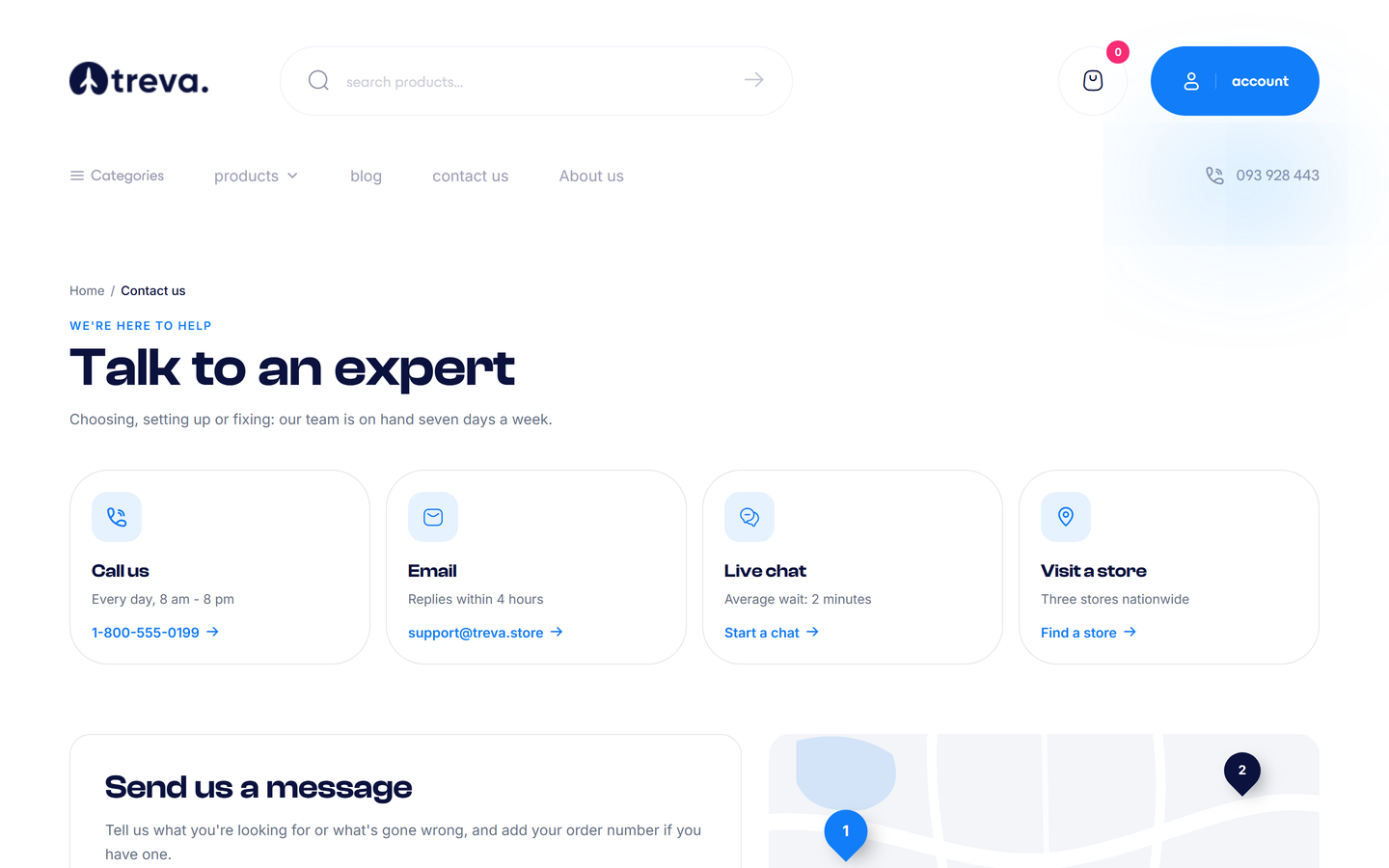
The blog (/blog) supports categories, tags, search and comments. The contact page (/contact) has a form that e-mails you and stores the message in the admin; it can show your address, opening hours and a map.
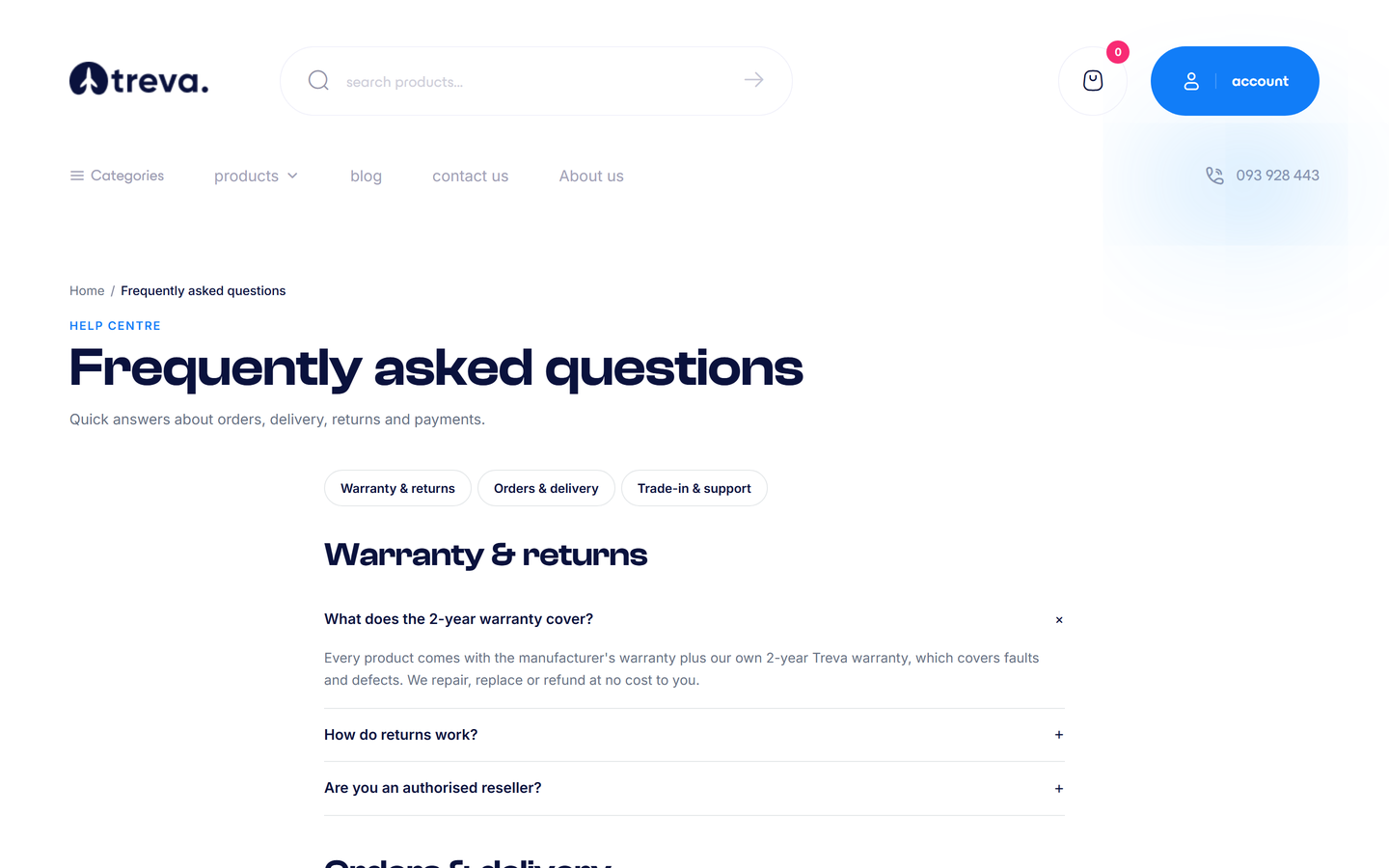
The FAQ (/faq), About page and legal pages come from Content > Pages.
Useful extras#
- Cookie bar and newsletter pop-up - see Analytics, cookies and newsletter.
- Installable app (PWA) - see PWA.
- Languages and currencies switchers, including right-to-left layouts - see Currencies, languages and translations.
- Pages are mobile friendly at every width.