
Social login
Let customers sign in with Google, Facebook, GitHub or X (Twitter).
Open Settings > Social login.
Test every provider yourself
Social login could not be tested end to end during development because no provider credentials were available. Create a test app with each provider and sign in once before you enable the button for customers.
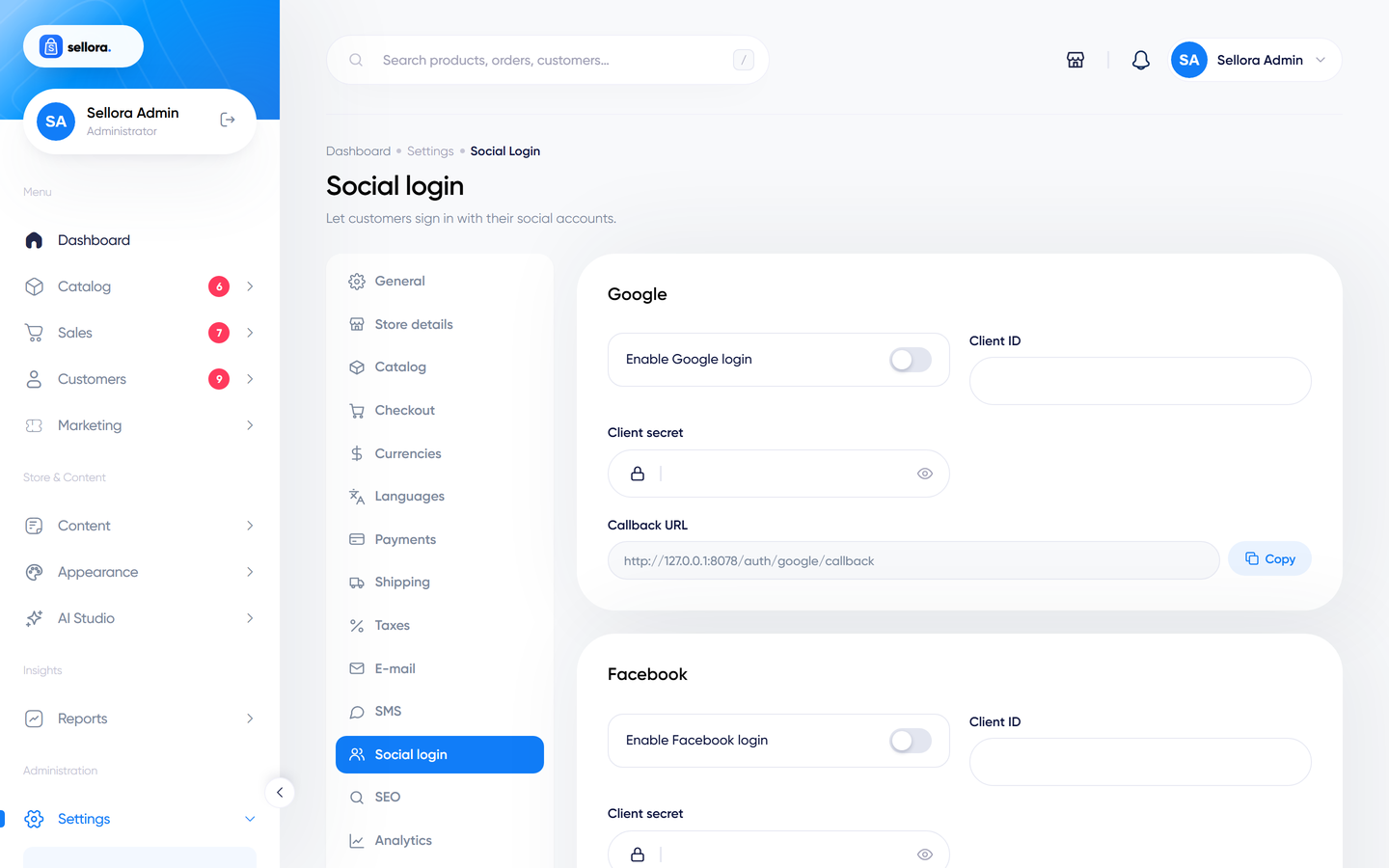
For each provider (Google, Facebook, GitHub, X / Twitter) the page has an Enable switch, Client ID, Client secret and a read-only Callback URL. Copy the Callback URL into the provider's app settings (as the authorised redirect URI), then paste the provider's Client ID and secret into Sellora.
The callback URLs have this form:
https://your-domain.com/auth/google/callback
https://your-domain.com/auth/facebook/callback
https://your-domain.com/auth/github/callback
https://your-domain.com/auth/twitter/callback
Where to create the app#
| Provider | Console |
|---|---|
| Google Cloud Console > APIs & Services > Credentials > OAuth client ID (type Web application) | |
| developers.facebook.com > Create App > Facebook Login | |
| GitHub | GitHub > Settings > Developer settings > OAuth Apps |
| X (Twitter) | developer.x.com > Project and App > OAuth 2.0 |
Use a site on HTTPS; most providers refuse plain HTTP callbacks.
What customers experience#
When a provider is enabled, its button appears on the login and register pages. The first time a customer signs in with a provider, an account is created with the name and e-mail the provider shares; later sign-ins use the same account. A customer can unlink a provider from their profile.
X (Twitter) usually does not share an e-mail address. In that case Sellora shows a message instead of creating an account, so the customer registers with e-mail instead.