
SMS
Send SMS notifications with Twilio, Vonage, Textlocal or a custom HTTP endpoint.
Open Settings > SMS.
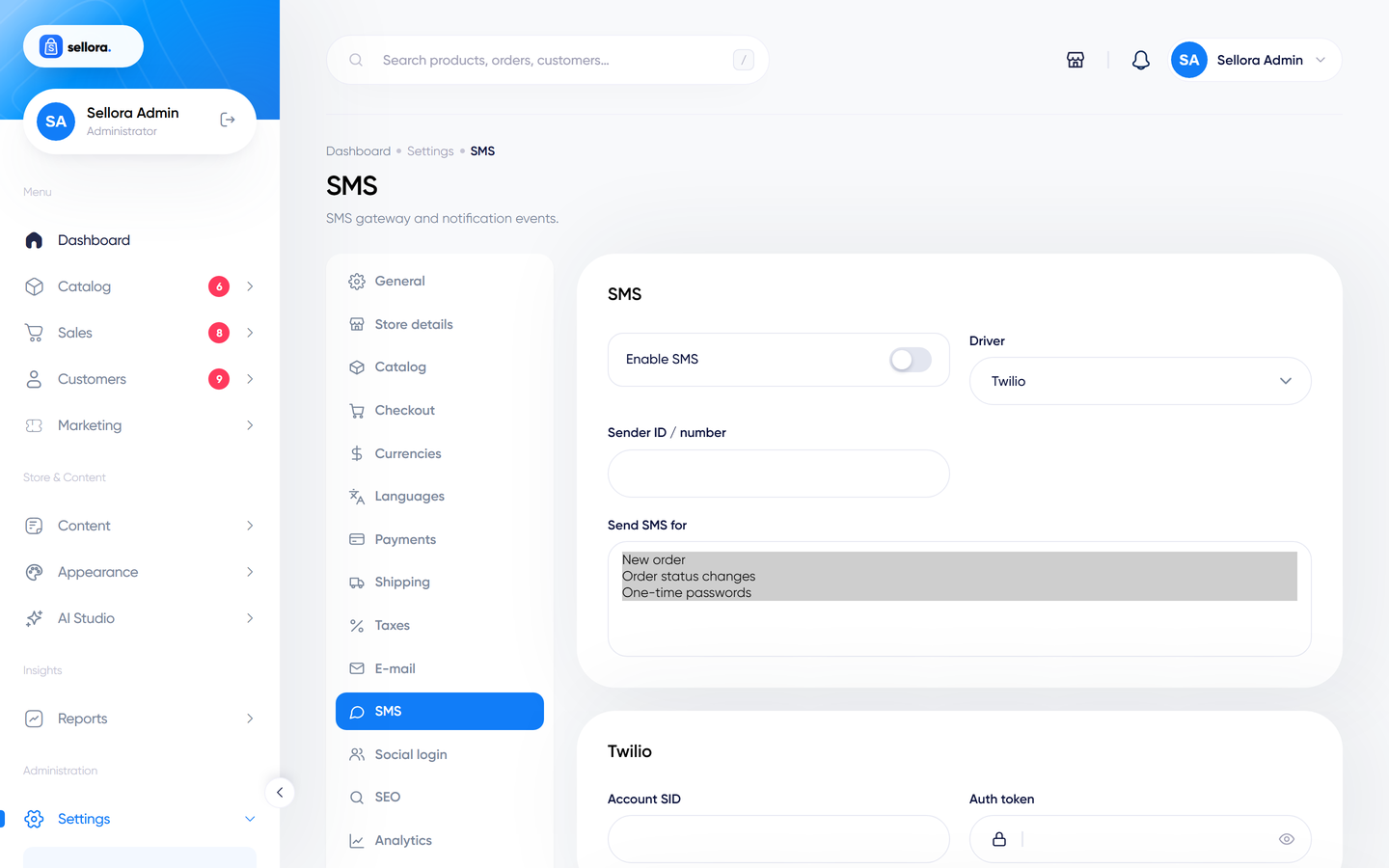
SMS is optional and off by default. You need an account with an SMS provider that gives you credentials and credit.
Choose a driver#
| Driver | Fields |
|---|---|
| Twilio | Account SID, Auth token, sender ID / number. |
| Vonage (Nexmo) | API key, API secret, sender ID. |
| Textlocal | API key, sender ID. |
| Custom HTTP endpoint | Endpoint URL, method (GET/POST) and parameters as JSON, for any provider that has an HTTP API. |
Switch Enable SMS on, choose the driver, fill the credentials and select Send SMS for the events you want. Then use Send test SMS: enter a phone number in international format (for example +15551234567) and send. The test works even when SMS is switched off, so you can verify credentials first.
If the test fails, check the credentials, the sender ID rules of your country (some countries require pre-registered sender IDs) and storage/logs/laravel.log.
Note
Customers' phone numbers must be collected at checkout (Settings > Checkout > Phone number required) for SMS to reach them. Observe your local laws on SMS marketing consent.