Customers, groups and support tickets
Manage customer accounts, groups, subscribers, contact messages and support tickets.
Customers#
Open Customers > Customers.
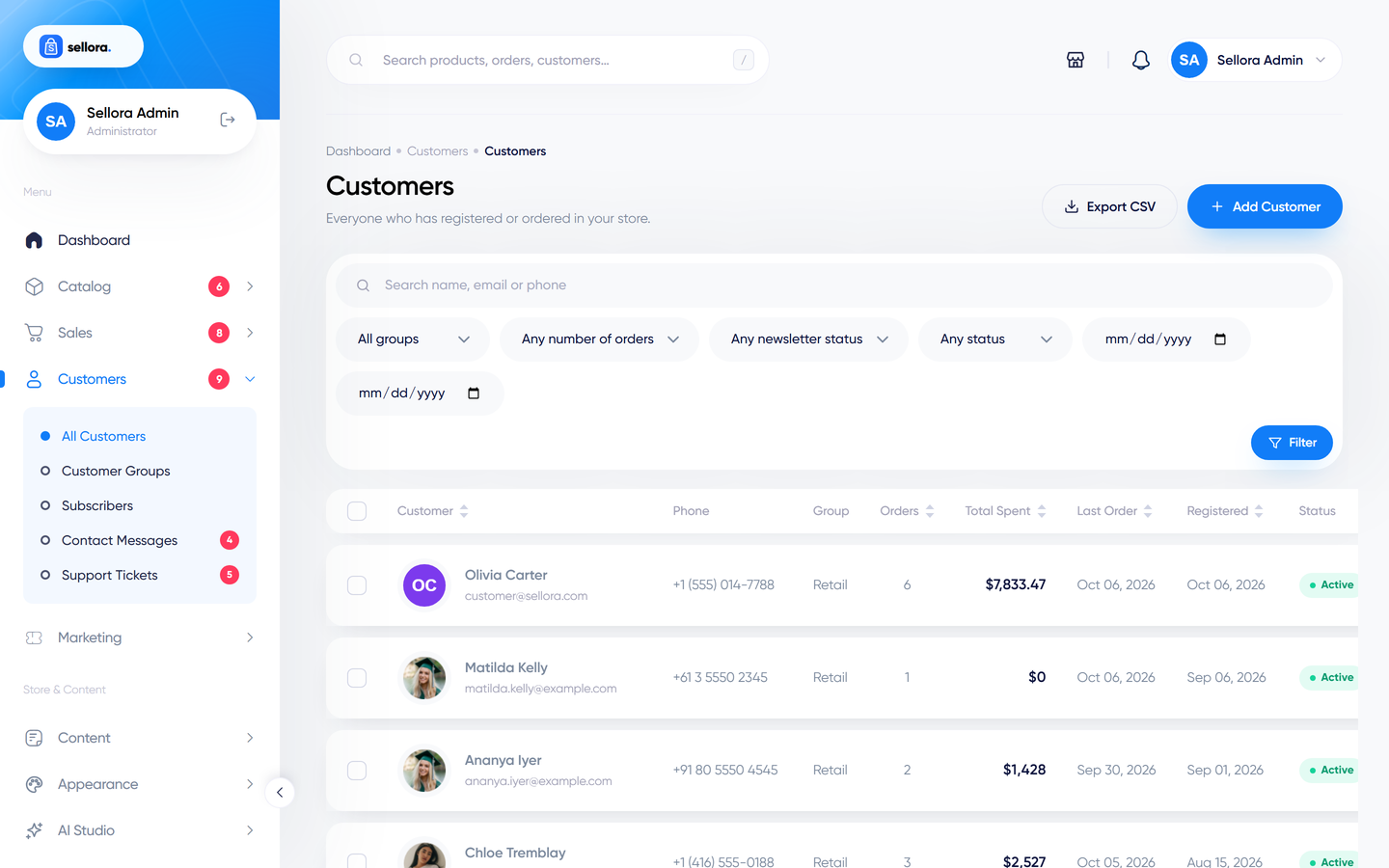
- Search and filter, export the list to CSV, or bulk-action selected customers.
- Create a customer manually (name, e-mail, phone, password, group).
- The customer page shows profile, addresses, order history, reward points and notes.
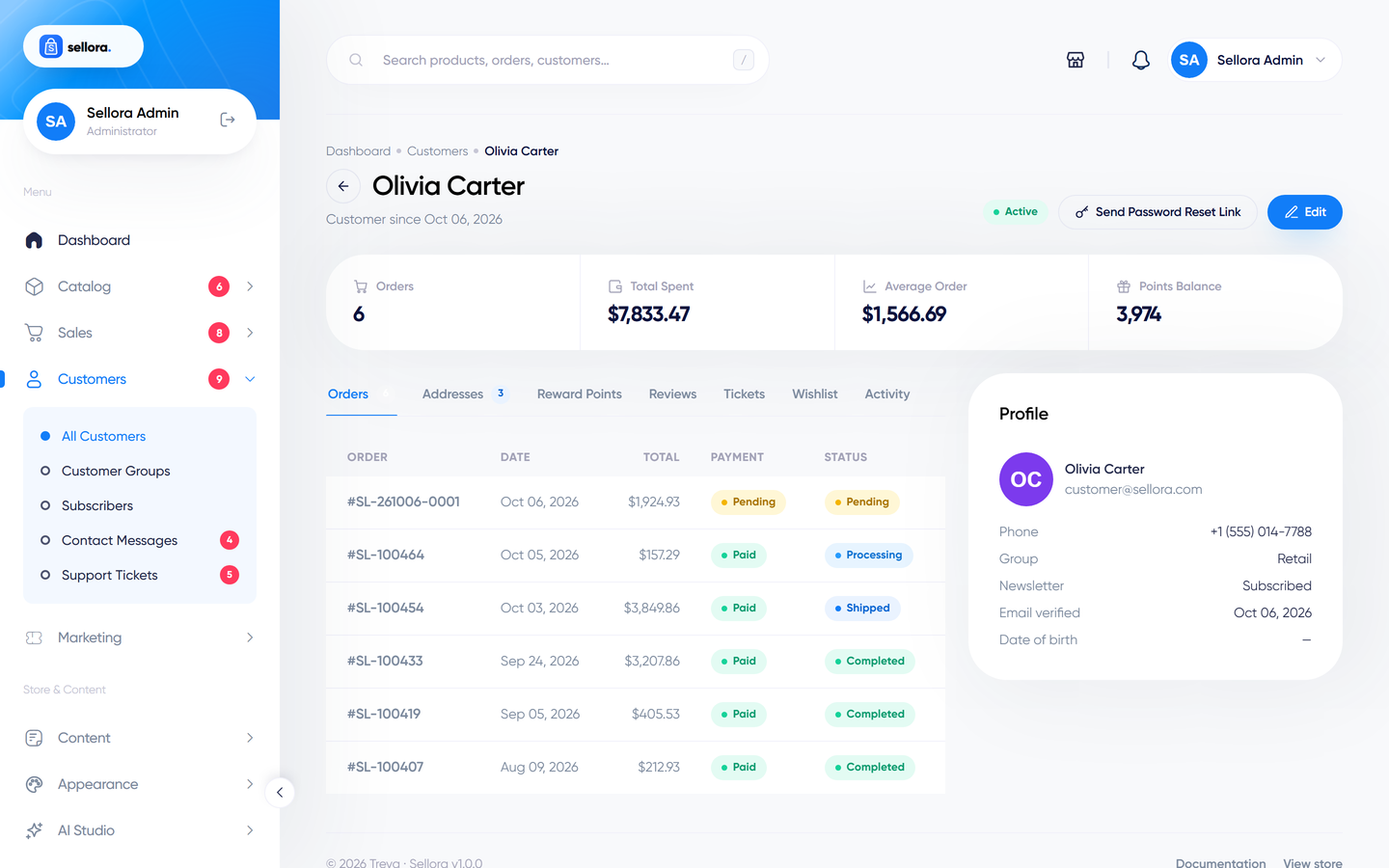
From a customer page you can:
- Edit the profile and add, change or delete addresses.
- Send a password-reset e-mail (the customer chooses a new password; you never see theirs).
- Adjust reward points (add or subtract with a reason).
- See their orders and jump to each one.
Customers are accounts without an admin role. Staff accounts live under System > Users - see Roles, permissions and staff.
Customer groups#
Customers > Customer groups lets you create groups such as Retail or Wholesale and assign customers to them (on the customer page or in bulk). Groups help you segment and export customers.
Note
In this version customer groups do not apply automatic price discounts in the cart. Use coupons for special pricing.
Newsletter subscribers#
Customers > Subscribers lists everyone who signed up through the newsletter forms. You can add subscribers, import a CSV, export the list, activate or deactivate people, and delete in bulk. Send mailings with Campaigns.
Contact messages#
Messages sent through the contact form arrive in Customers > Messages (and by e-mail to the contact form recipient set in Settings > Store). Open a message to read it, mark it as read or replied, or delete it. Answer from your own mailbox.
Support tickets#
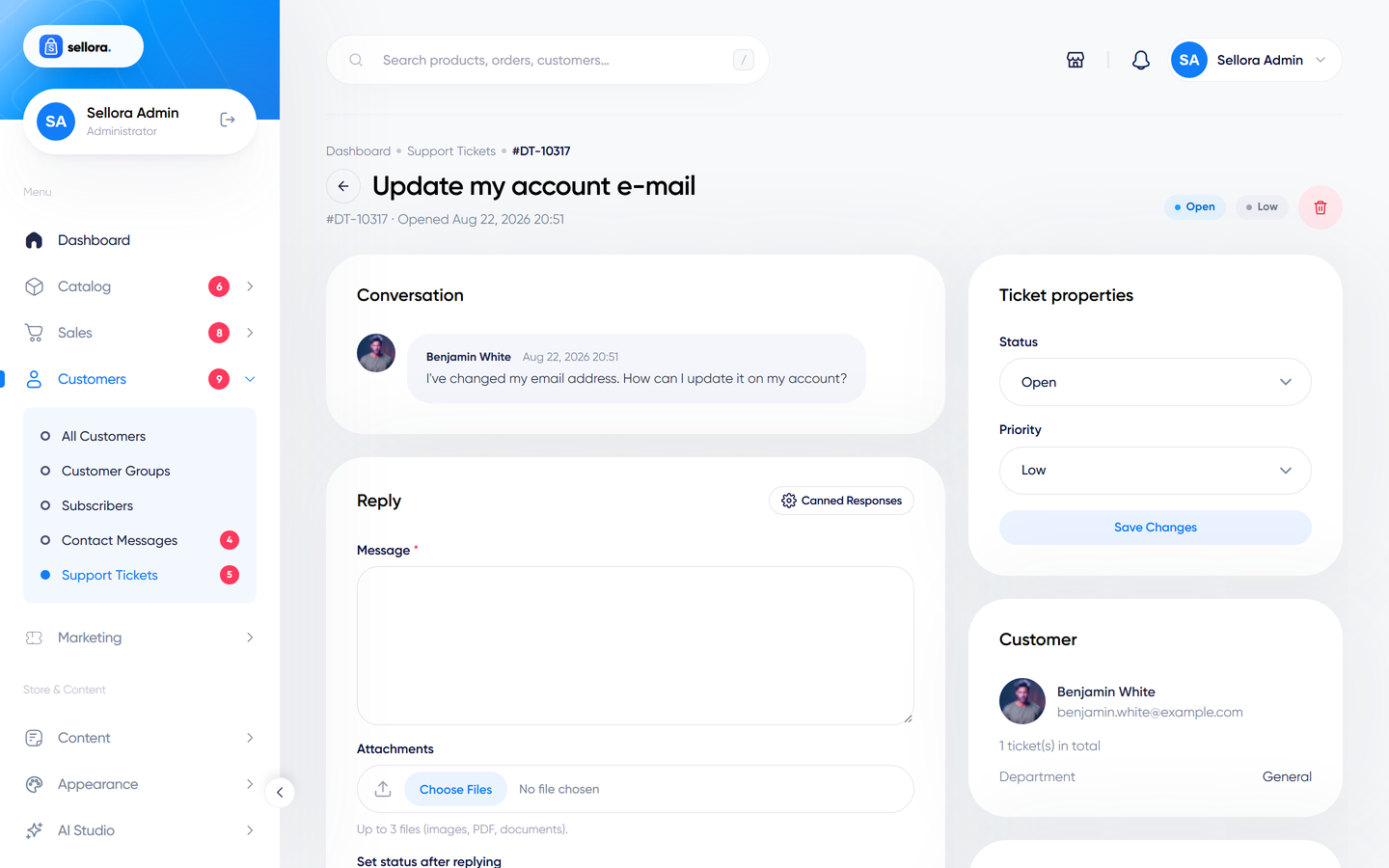
Logged-in customers can open support tickets from their account. Staff handle them in Customers > Tickets.
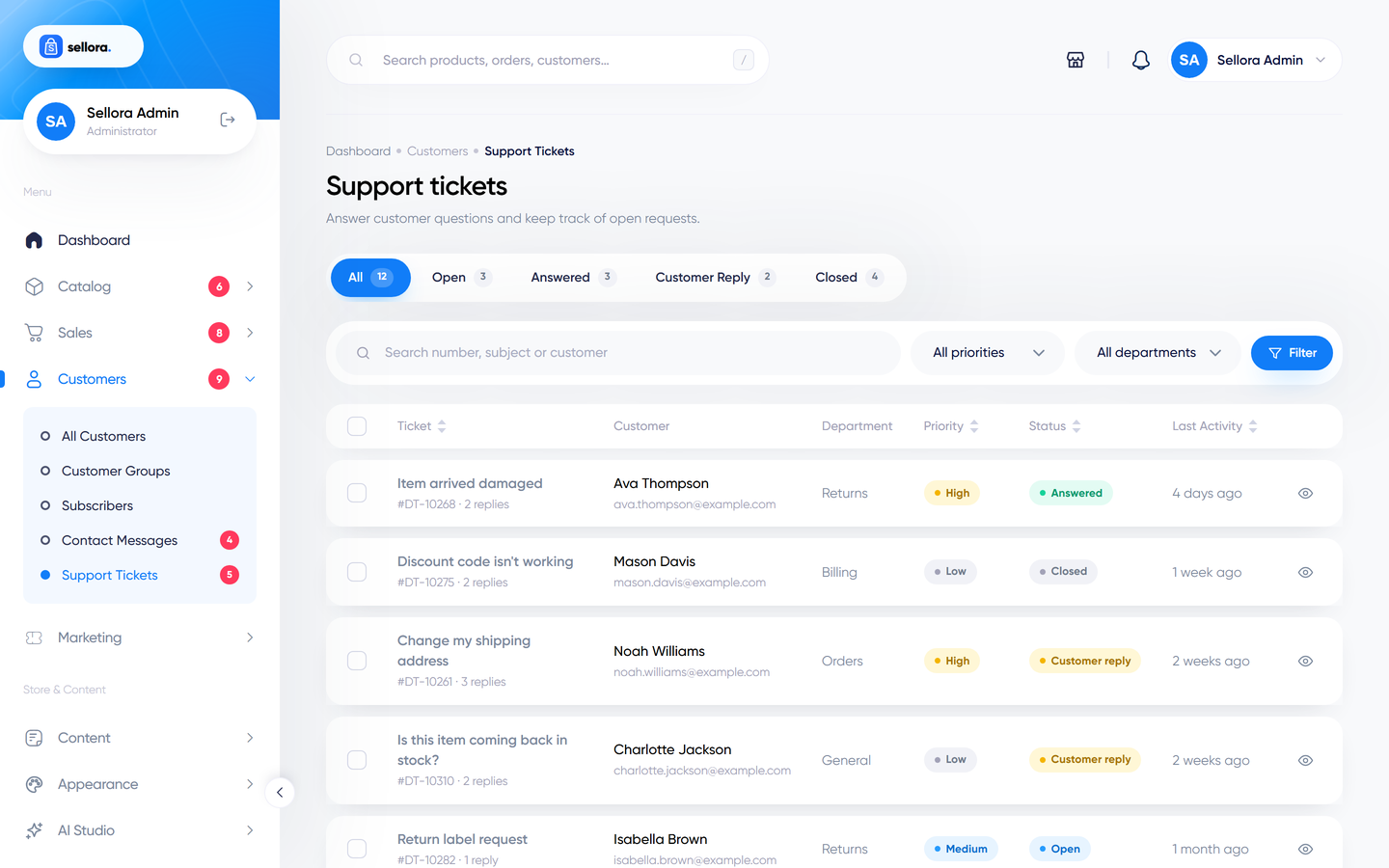
Ticket statuses: Open (new), Answered (you replied), Customer reply (waiting for you) and Closed.
To answer:
- Open the ticket and read the conversation.
- Type your reply (plain text) and attach files if needed (attachments are stored privately).
- Optionally insert a canned response - saved snippets for common answers, managed on the same screen.
- Send. The ticket becomes Answered, and the customer is e-mailed and gets a notification in their account.
New tickets and customer replies are e-mailed to the admin recipients configured in Settings > E-mail (falling back to the store contact e-mail).