
Reviews and questions
Moderate customer reviews and answer product questions.
Reviews#
Customers can review products from the product page (rating 1-5, optional title, comment of at least 10 characters and up to three photos). A review marked verified purchase comes from a customer who actually ordered the product.
Open Catalog > Reviews.
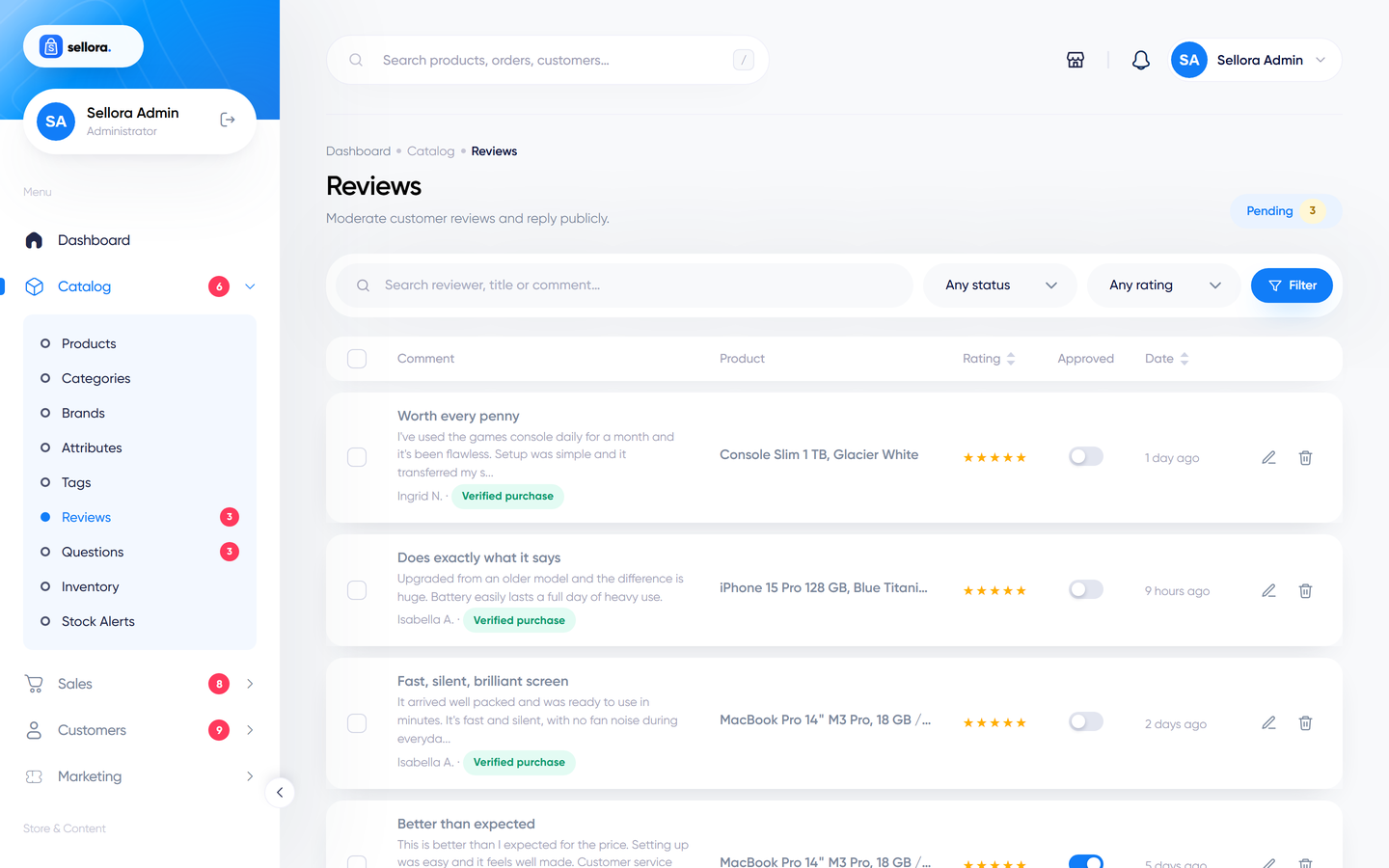
- Filter by status, rating, product or search text.
- Approve or hide a review with the toggle, or select several and use the bulk actions.
- Edit a review to fix a typo, and add a public reply from the store.
- Product rating averages are recalculated whenever a review is approved, hidden or deleted.
Settings in Settings > Catalog:
| Setting | Effect |
|---|---|
| Product reviews | Turns reviews on or off. |
| Auto-approve reviews | New reviews are published immediately instead of waiting for you. |
| Allow guest reviews | Visitors without an account can review (name and e-mail required). |
One customer (or e-mail address) can review a product once. Review forms include a hidden honeypot field and are rate-limited against spam.
Questions#
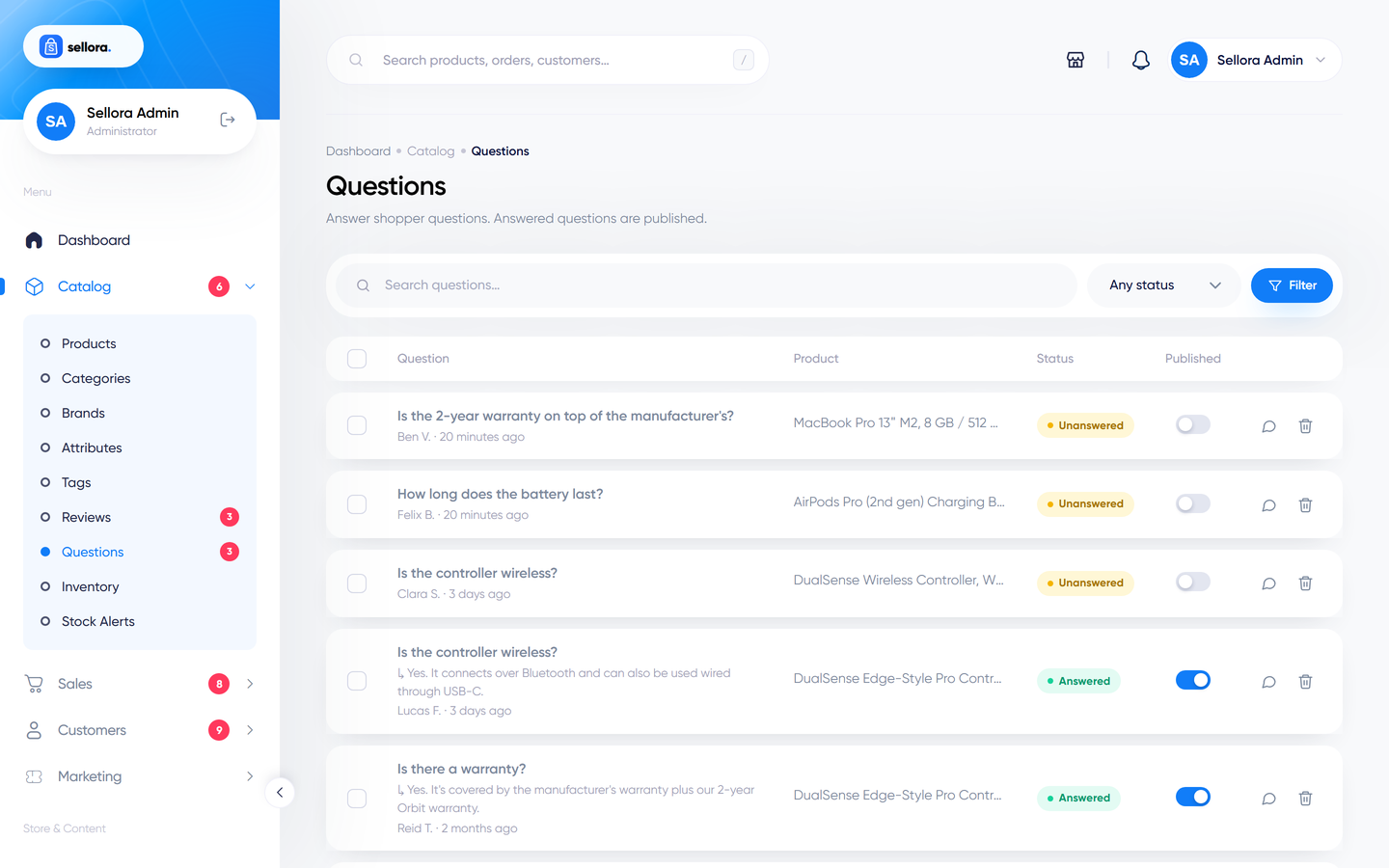
Shoppers can ask a question on a product page. Open Catalog > Questions: unanswered questions are listed first. Type your answer and save - answering publishes the question and its answer on the product page. Turn on Auto-approve questions in Settings > Catalog to publish new questions without review.
Customers' own view#
Customers see the status of their reviews (pending, approved) under My reviews in their account - see Customer account area.